


Pryltorsk
EVICIV 15.6" FHD Triple Portable Dual Monitor & Laptop Screen Extender 1080P FHD IPS Plug & Play No Driver USB-C 100%sRGB Triple Screen Foldable Mac/Windows Compatible Travel & Office 360° Screen Adjustment
EVICIV 15.6" FHD Triple Portable Dual Monitor & Laptop Screen Extender 1080P FHD IPS Plug & Play No Driver USB-C 100%sRGB Triple Screen Foldable Mac/Windows Compatible Travel & Office 360° Screen Adjustment
Det gick inte att ladda hämtningstillgänglighet
SPECIFICATIONS
Application: Laptop
Black and White Response Time: 25 ms
Bracket Type: Swivel Lift Bracket
Brand Name: EVICIV
Brightness: 300cd/m
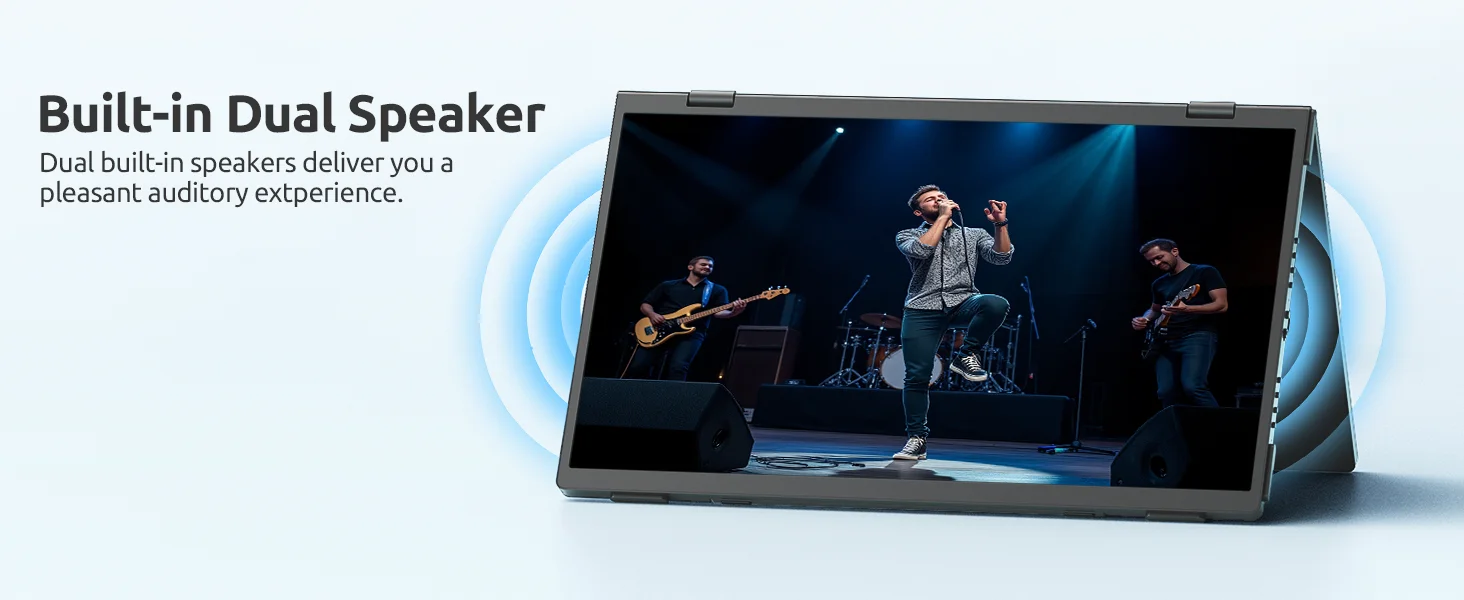
Built-in Speaker: Yes
Certification: CE,Dot,EAC,EPA,FCC,GMP,RoHS,TGA,UL,KC,pse,weee,NONE
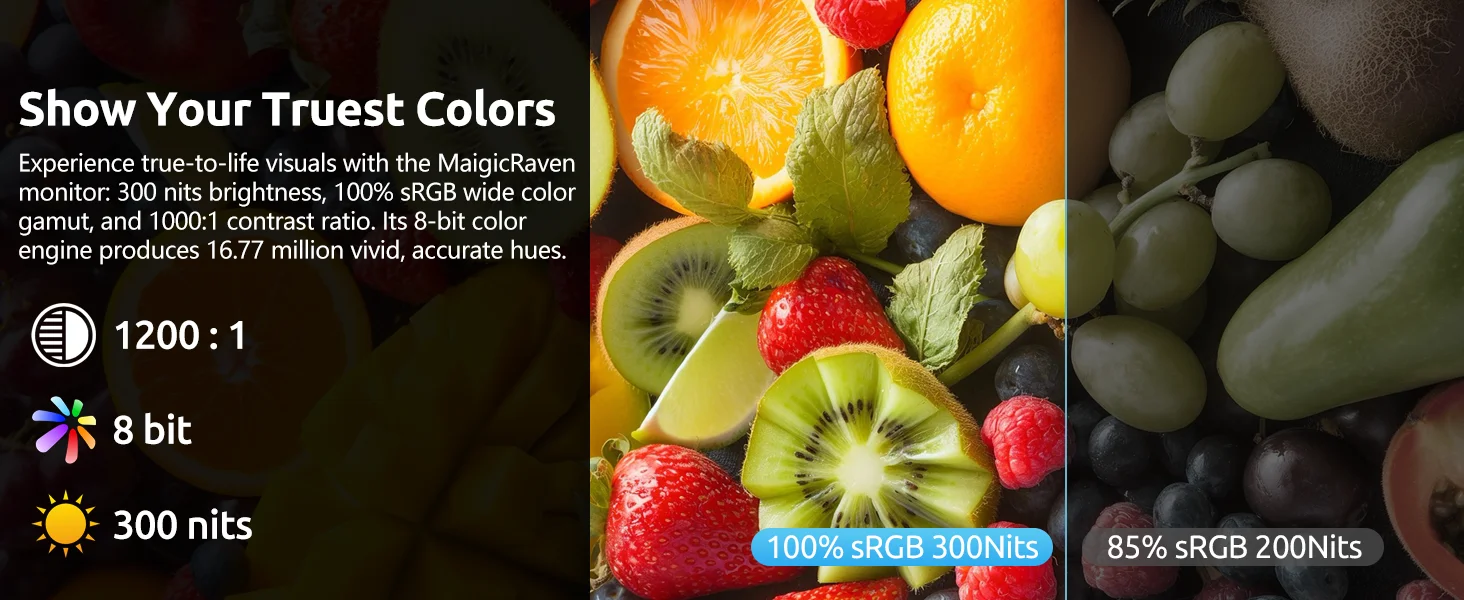
Contrast Ratio: 1000:1
Display Ratio: 16:9
Display Size: 15.6
Feature: Gaming,Vertical mode
High-Dynamic Range: Other
High-concerned chemical: none
Horizontal Viewing Angle: 178°
Interface Type: Type-C
Matrix color depth: 8 bit
Number of Items: 1
Origin: Mainland China
Panel Type: IPS
Pixel Pitch: 0.248mm
Products Status: STOCK
Refresh Rate: 60 Hz
Refresh rate sync technology: AMD FreeSync
Resolution: 1920x1080
Response Time: 25ms
Screen Type: LCD
Screen curvature: Other
Screen surface: MATT
Shape: others
EVICIV 15.6" FHD Triple Portable Dual Monitor
True Plug & Play, All Cables Ready
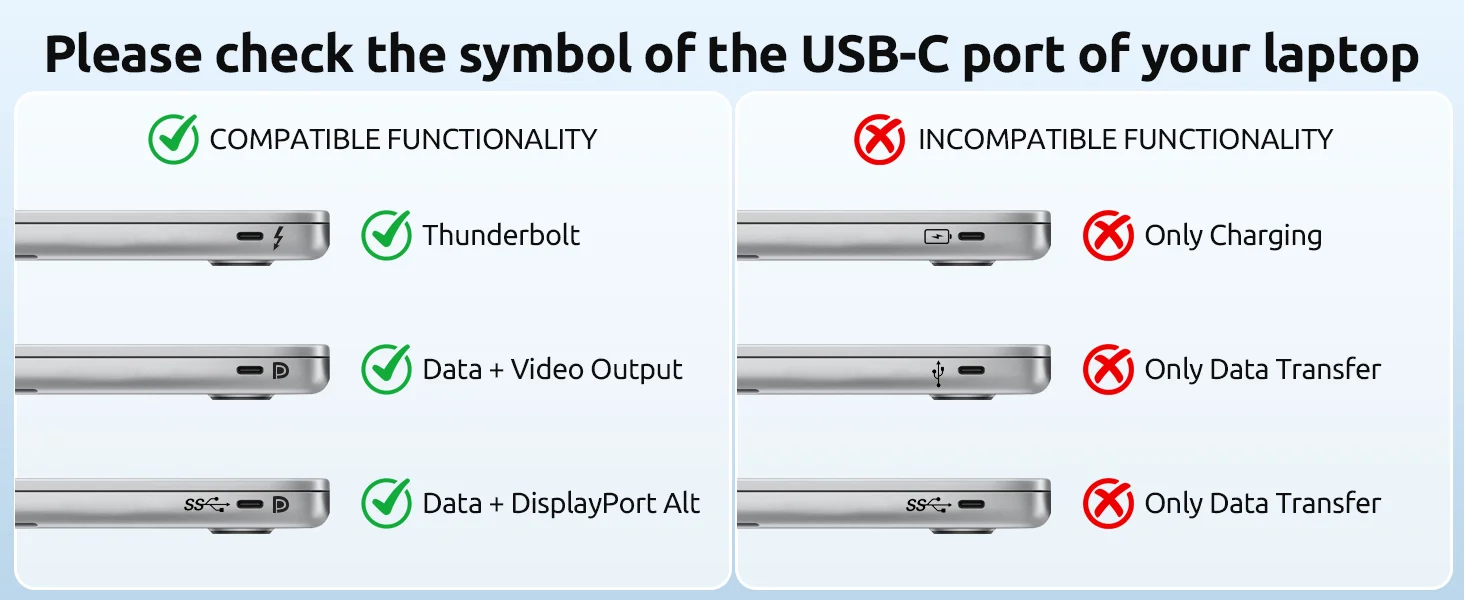
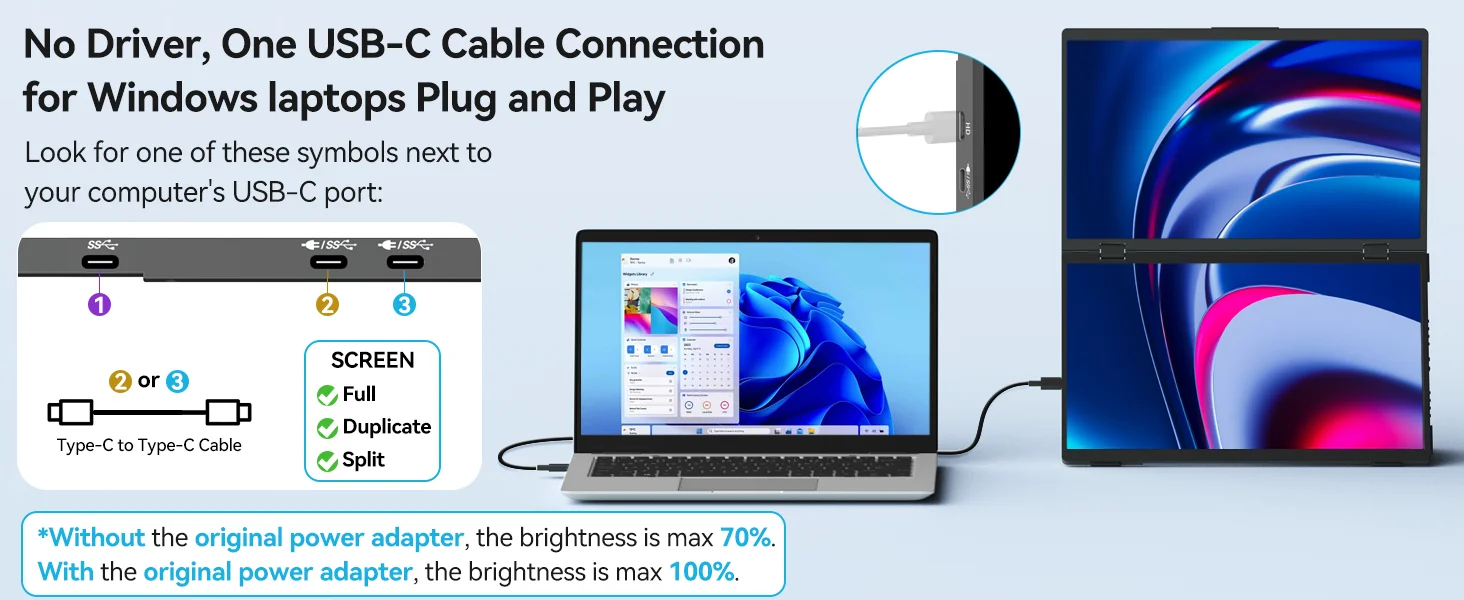
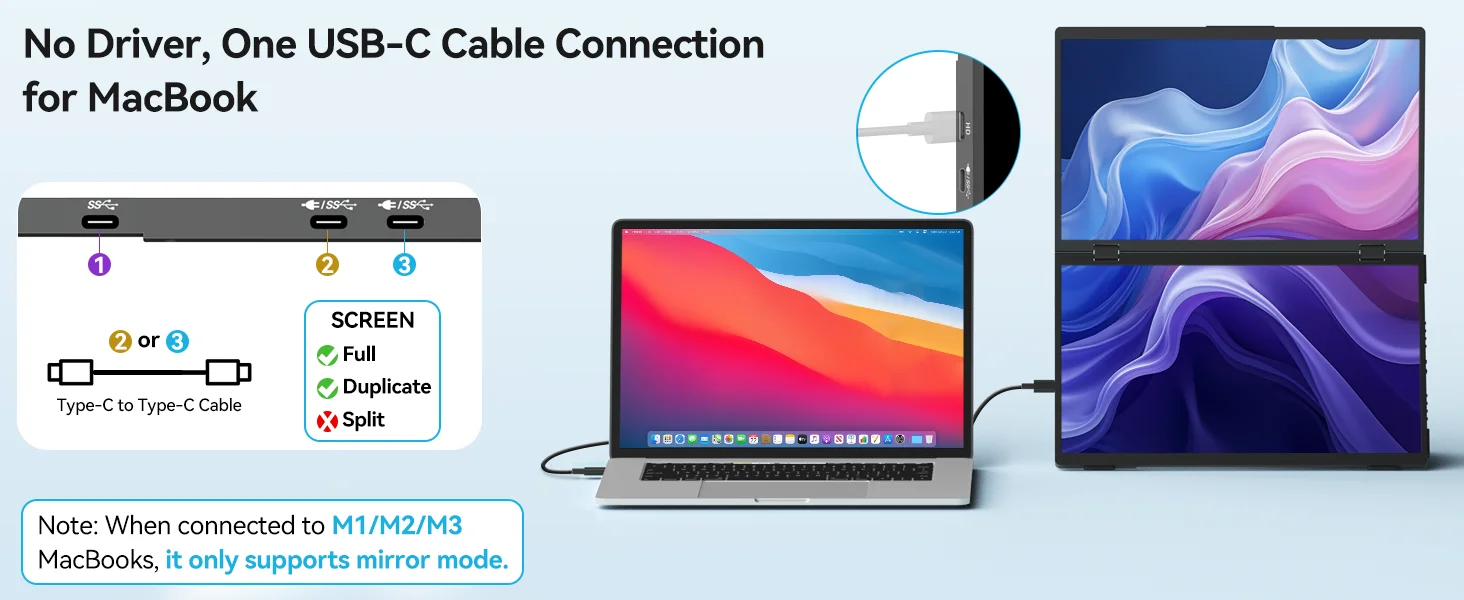
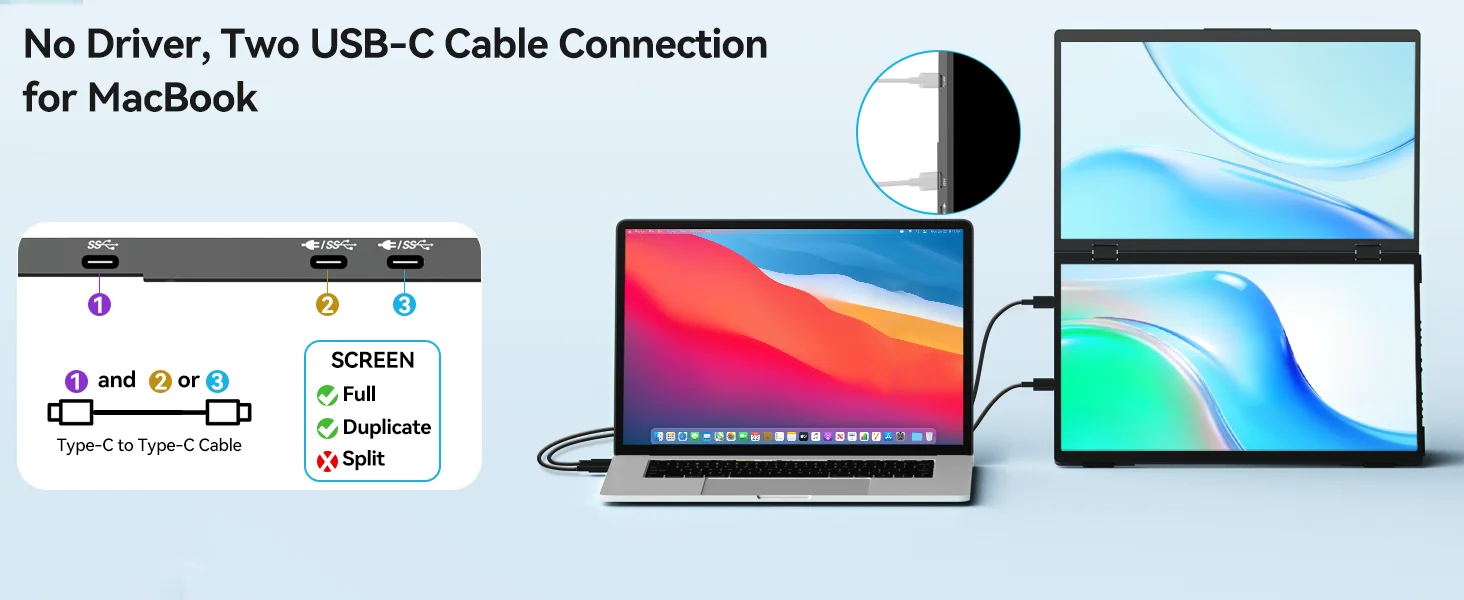
Forget driver CDs or complicated setups. This laptop dual monitor extender delivers true plug-and-play simplicity—just connect and go. Comes with everything you need: two high-speed USB-C full-function ports, one USB-C 2.0 DP Alt-Mode port, and all necessary cables packed in the box. Works instantly with Windows, Linux, and select phones/tablets. For Mac: also plug-and-play, no drivers required.
Vivid Full HD with HDR, Built for Long Days
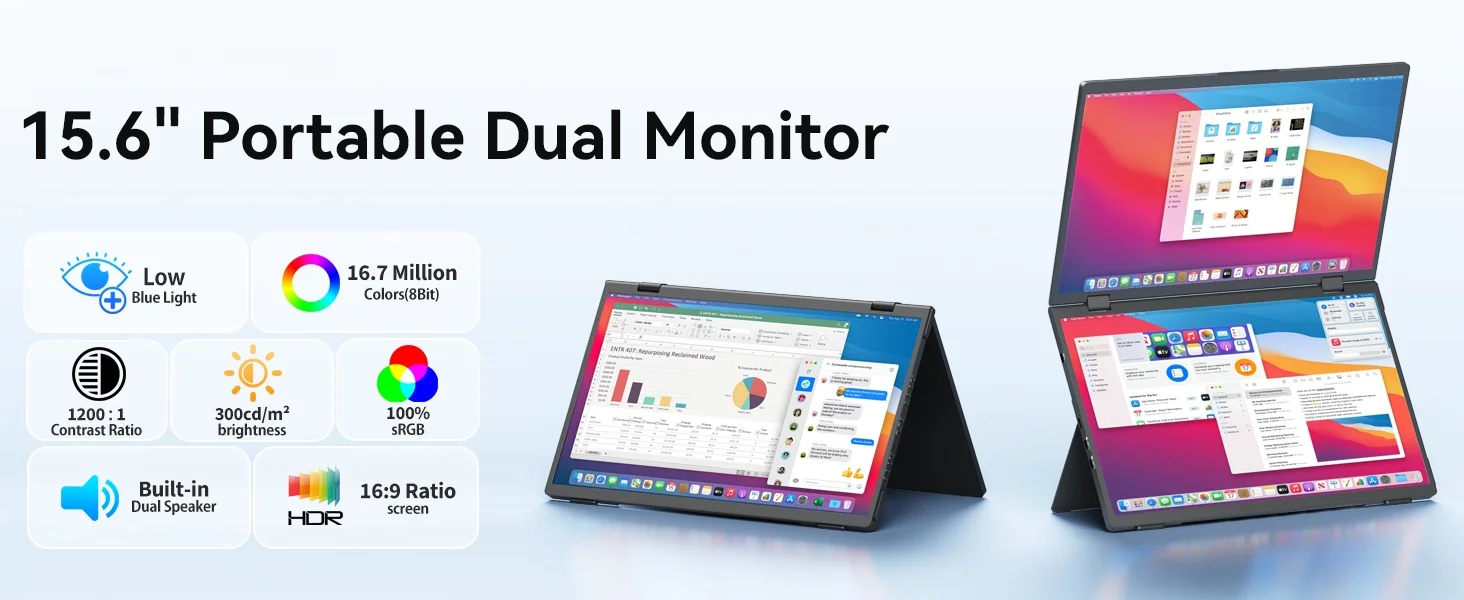
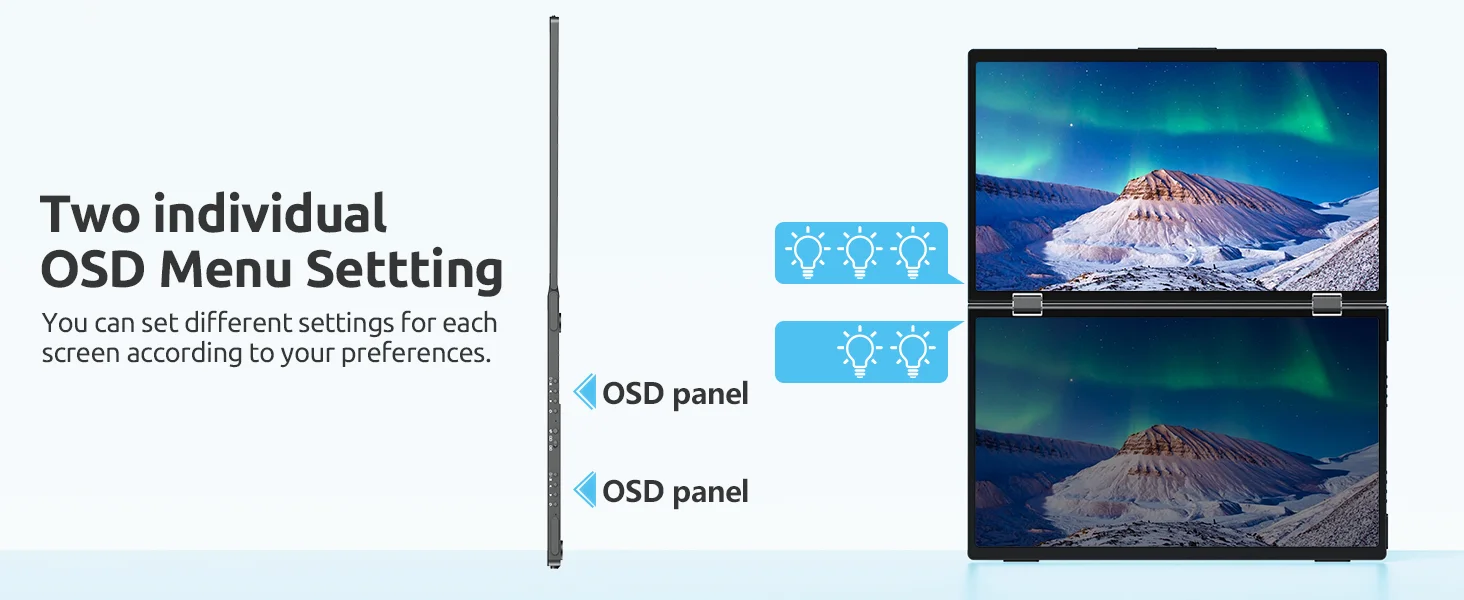
Dual 15.6" 1080P FHD IPS matte panels now feature HDR and true 8-bit color depth (16.7M colors) with 60Hz smooth refresh—so images look crisp, colors pop, and transitions stay fluid. 300 nits brightness keeps things clear even by a sunny window, and 100% sRGB plus 1000:1 contrast mean your work matches your laptop screen without constant tweaking. Flicker-free & low blue light tech helps reduce eye fatigue during all-day sessions. Exclusive advantage: each screen has independent brightness and color controls—adjust one side for notes, the other for reference, without compromise.

Triple-Screen Workstation, Five Ways to Work
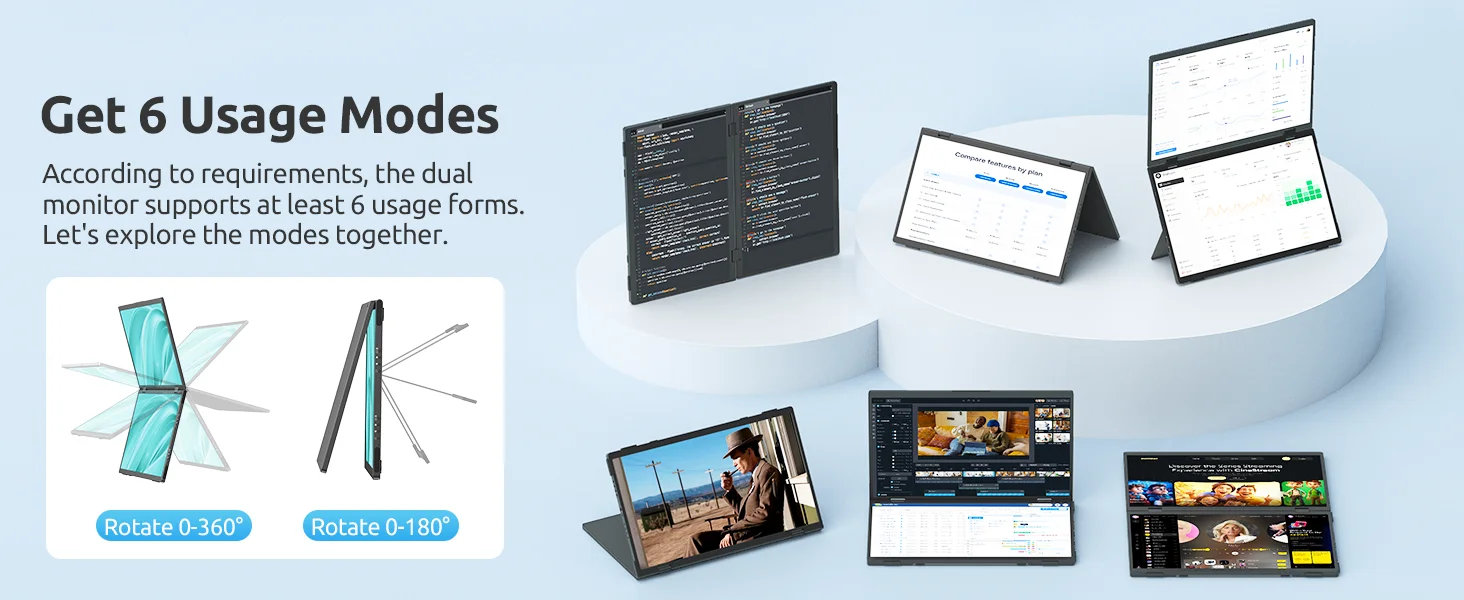
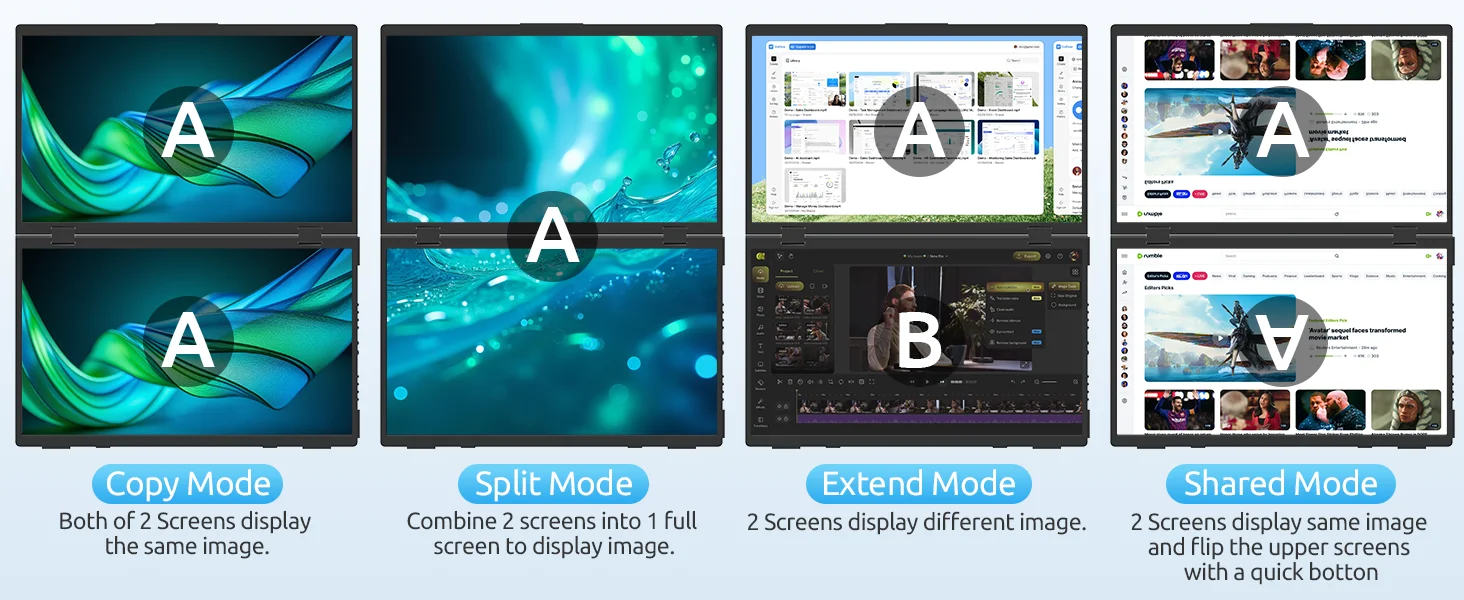
Expand your laptop into a 3-screen powerhouse. Choose from dual extended displays, a single ultra-wide 23.8" view (spanning both screens), mirror mode, split-screen, or portrait orientation—five flexible layouts for every task. Compare spreadsheets side-by-side, code with documentation open, present a full timeline, or game in an immersive wide view. Whether you're a remote worker, traveler, student, or creative pro, this portable monitor setup turns any space into your most productive office.
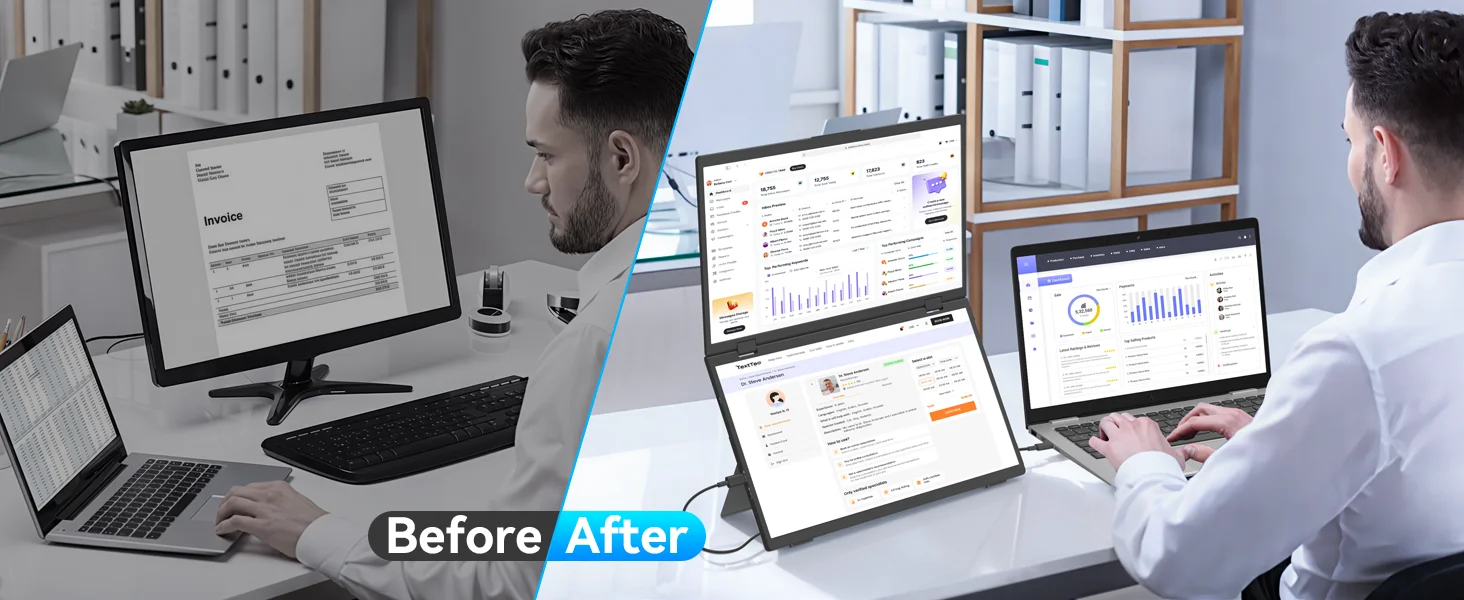
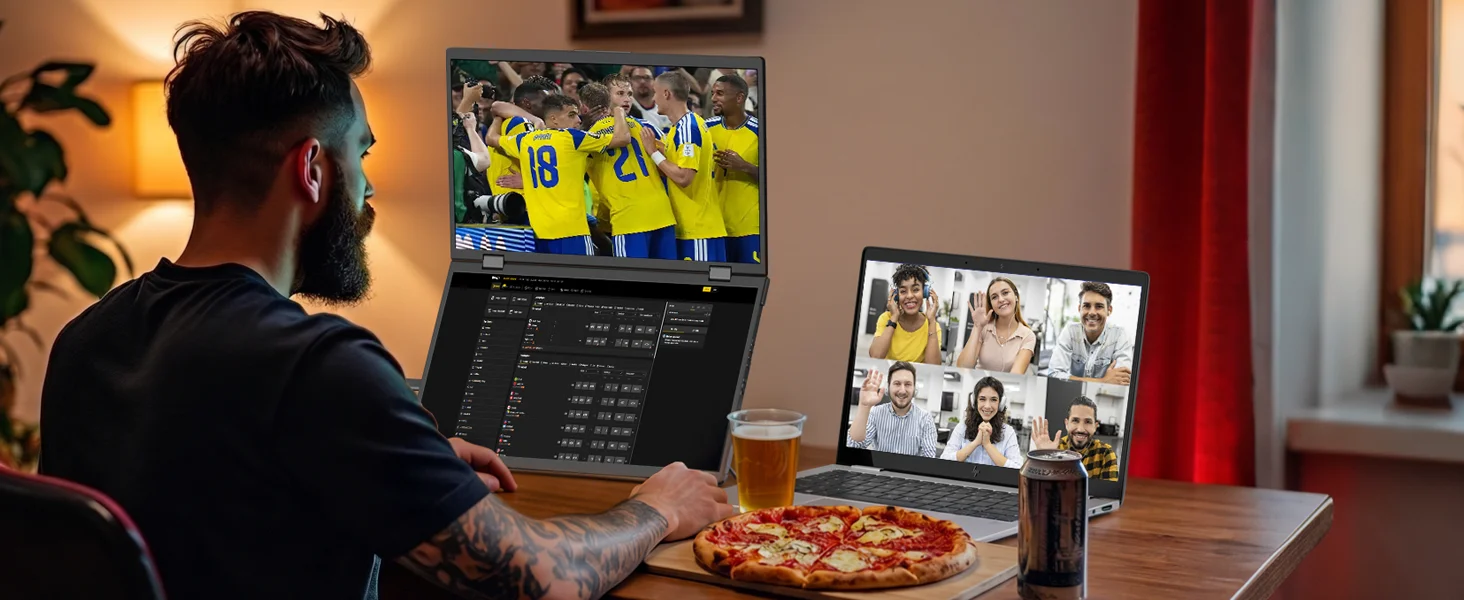
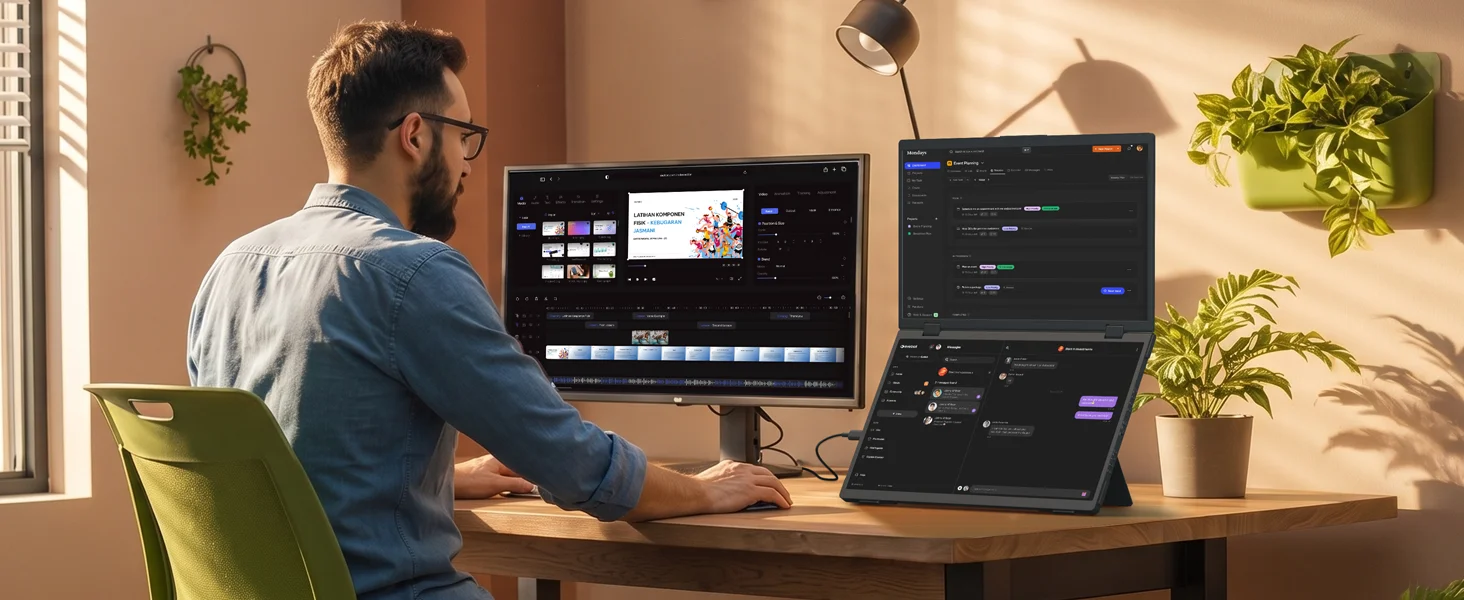
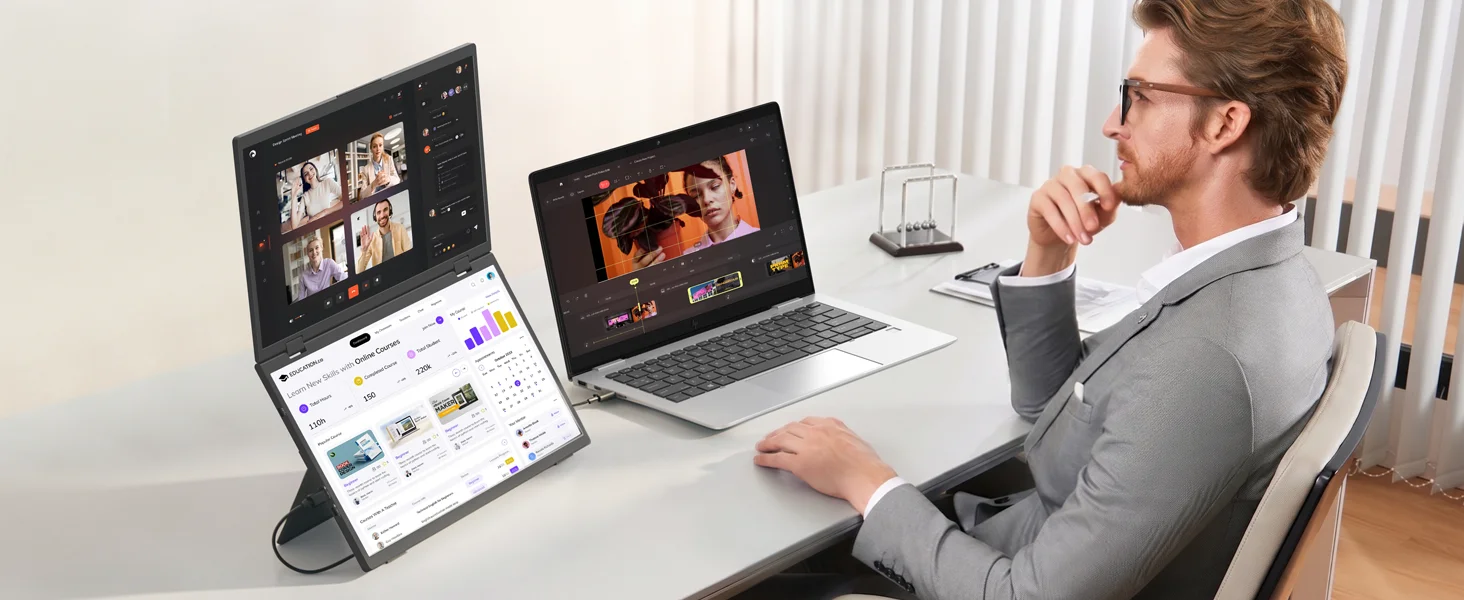

360° Fold & One-Button Flip for Instant Sharing
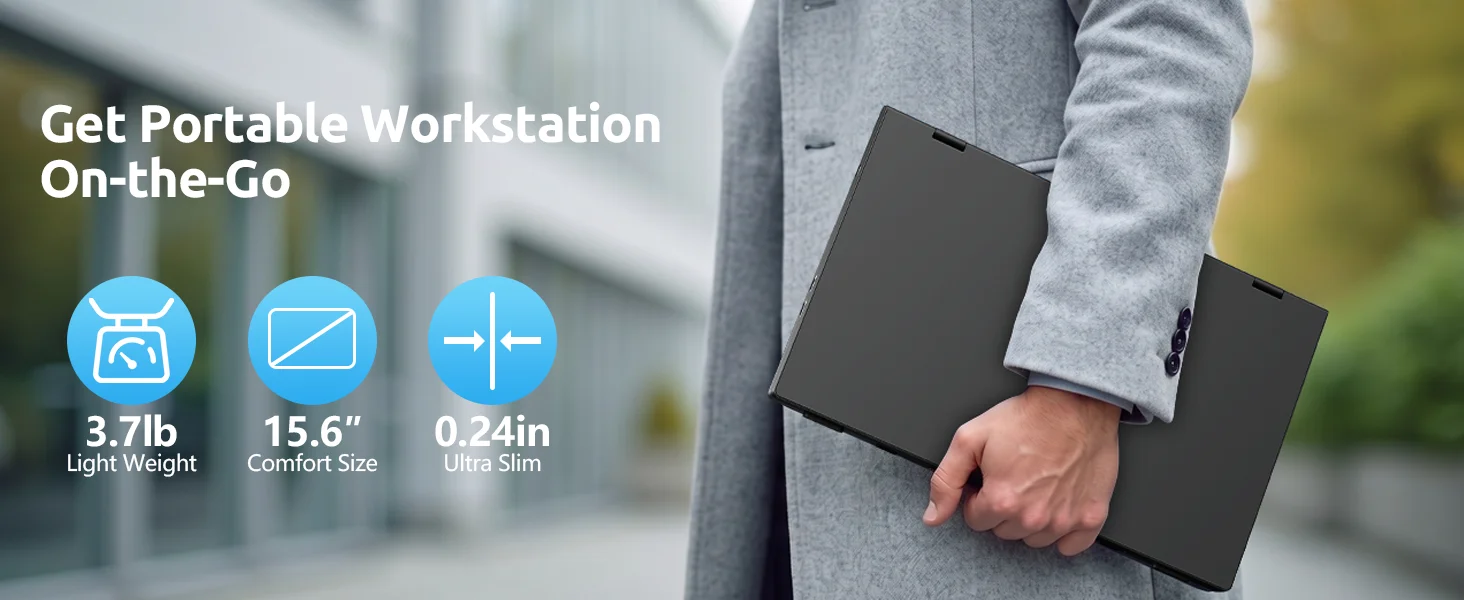
Lightweight & Fully Adjustable.The upper screen rotates 180° and fold 360° with a single side button – perfect for face-to-face meetings and client presentations with no software needed. The full-metal body weighs just 3.7 lbs, folds flat for backpack travel, and both screens are supported by a 90° kickstand that works in landscape or portrait mode. Each display has independent brightness & color controls, and it’s plug-and-play with Windows & macOS (no drivers required) – giving you a complete dual-screen workstation anywhere.
Basic screen parameters
Screen size:15.6 inch
Resolution: 1920 * 1080
Contrast ratio: 1000:1
Screen ratio: 16:9
Panel type: IPS
Display area: 344.16 (W) × 193.59 (H)
Refresh rate (HDMI): 60Hz
Refresh rate (type-c): 60Hz
Brightness (cd/m ²): 300
Pixel density: 141 PPI
Viewing angle: 178 ° full view angle
Color gamut parameter: 63.00%
sRGB:100 %
Adobe RGB:65.90 %
DCI-P3:65.50 %
Color gamut level: wide color gamut
Response speed: 25
Screen diagonal: 39.624 CM
Additional features
One-cable connection:Support (requires external power supply)
Touch: Non touch
Wireless support: No
FREESYNC: Not supported
Built in speaker: 2 * 8 Ω 1W
OSD menu key: four keys
Touch screen type: None
Built in battery information: None
Length: 403 mm
Width: 266mm
Height: 84 mm
Weight: 2401 g
Volume: 9004632.00 mm ³
Supported gaming devices:
Xbox, PS4, PS5, Switch1 (HDMI interface on dock/TYPE-C interface on console), Switch2 (HDMI interface on dock) Steam deck
Appearance
Appearance: Dual screen design with upper and lower screens
Color: Black
Shell material: back panel metal+middle frame plastic+front frame plastic
Border type: narrow edge
VESA: None
Interface direction: The interface is on the left side
Screen type: matte
Display interface:
√ 1 * Mini HDMI (signal source)
√ 2 * Type C (fully functional type C, USB PD protocol (Pro トこル) can provide power and transmit signals)
√ 1 * TYPE-C (signal source)
Power consumption&fixed accessories
Rated power: 13W
Power type: PD30W power supply
Fixed accessories:
1 * Monitor
1*MINI HDMI(1080P)
2 * C-C line
1 * PD30W power head
1 * Instruction manual
Q&A
Q: Why does my monitor not turn on?
1. Make sure the cable you use is provided by us, or is compatible with your device
and is not damaged.
2. Select the correct input source, such as HDMI, Type-C.
3. If you are using a Type-C signal source, please ensure that the Type-C port of
your devices support both power and signal transmission; and make sure that the cable
is connected to the monitor's second Type-C port, not the first.
4. This may be caused by insufficient power supply. It is recommended to use an
external power supply above PD45w.
Q: The screen flickers or goes black during use.
1. It is generally caused by an insufficient power supply. The monitor require high power support. Please use the original cable included to power the monitor.
2. If you use a power bank to power the monitor, please confirm whether the power of the power bank reaches 30W or above. In addition, if you need a power bank, please contact us
3. If there is external interference, please try to move speakers and other equipment away;
4. Please try to set the device refresh rate to 60Hz;
5. Cable is defective or damaged.
Q: It says "no signal", what to do?
1. When connecting with a USB-C cable, make sure your device supports USB3.1/Thunderbolt 3. please add a Mini HDMI to HDMI cable for signal transmission.
2. Please make sure to use the original cables.
3. Please try another device. If it still fails, please tell us for a replacement.
Dear buyer,
thank you for your support! If you have any problem with the product, you can contact us immediately, and we will do our best to solve it for you! If we have any deficiencies, we also welcome your correction. We will accept with an open mind and strive to build a 100% satisfied online store!


