Pryltorsk
MORTAL Latest Smart TV Box R69-1 Android 14 RK3518 2GB 16GB Support 4K Decode Wireless BT5.0 Wifi6 Media Player
MORTAL Latest Smart TV Box R69-1 Android 14 RK3518 2GB 16GB Support 4K Decode Wireless BT5.0 Wifi6 Media Player
Det gick inte att ladda hämtningstillgänglighet
SPECIFICATIONS
Audio Output: Audio line out
Bluetooth: Yes
Brand Name: MORTAL
CPU: RK3518
Category: Set Top Box
Certification: CE,FCC,RoHS
Choice: yes
Enclosure material: Plastic
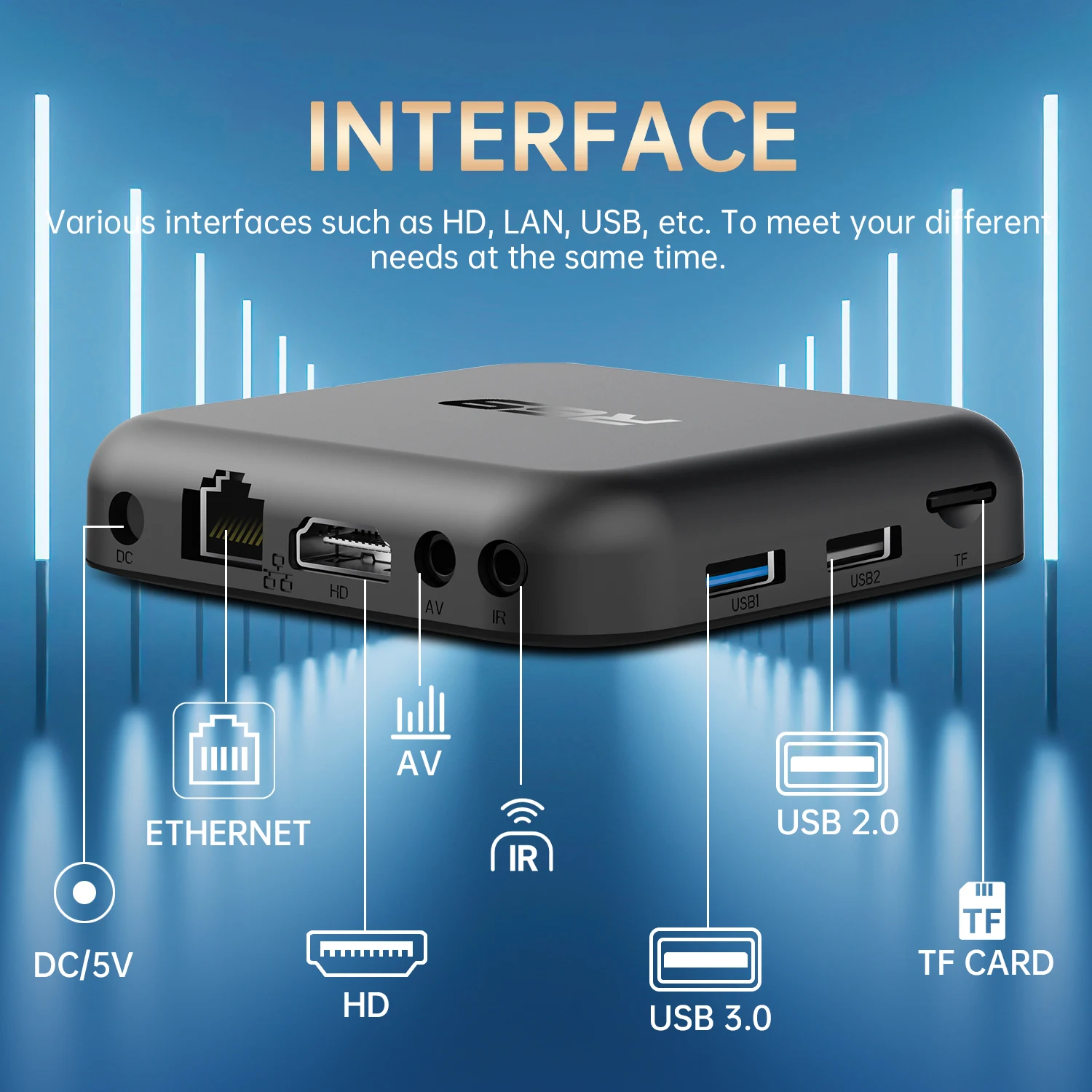
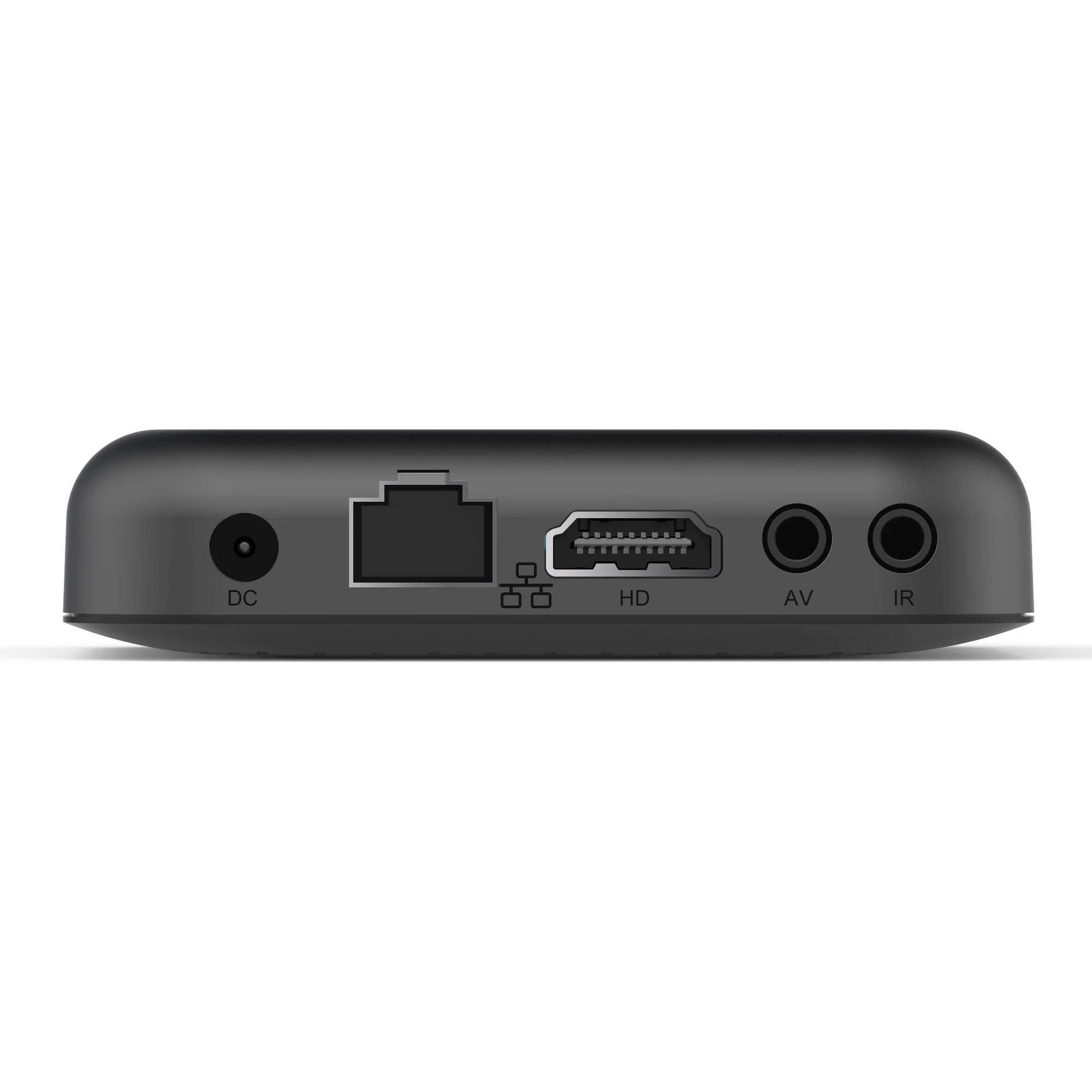
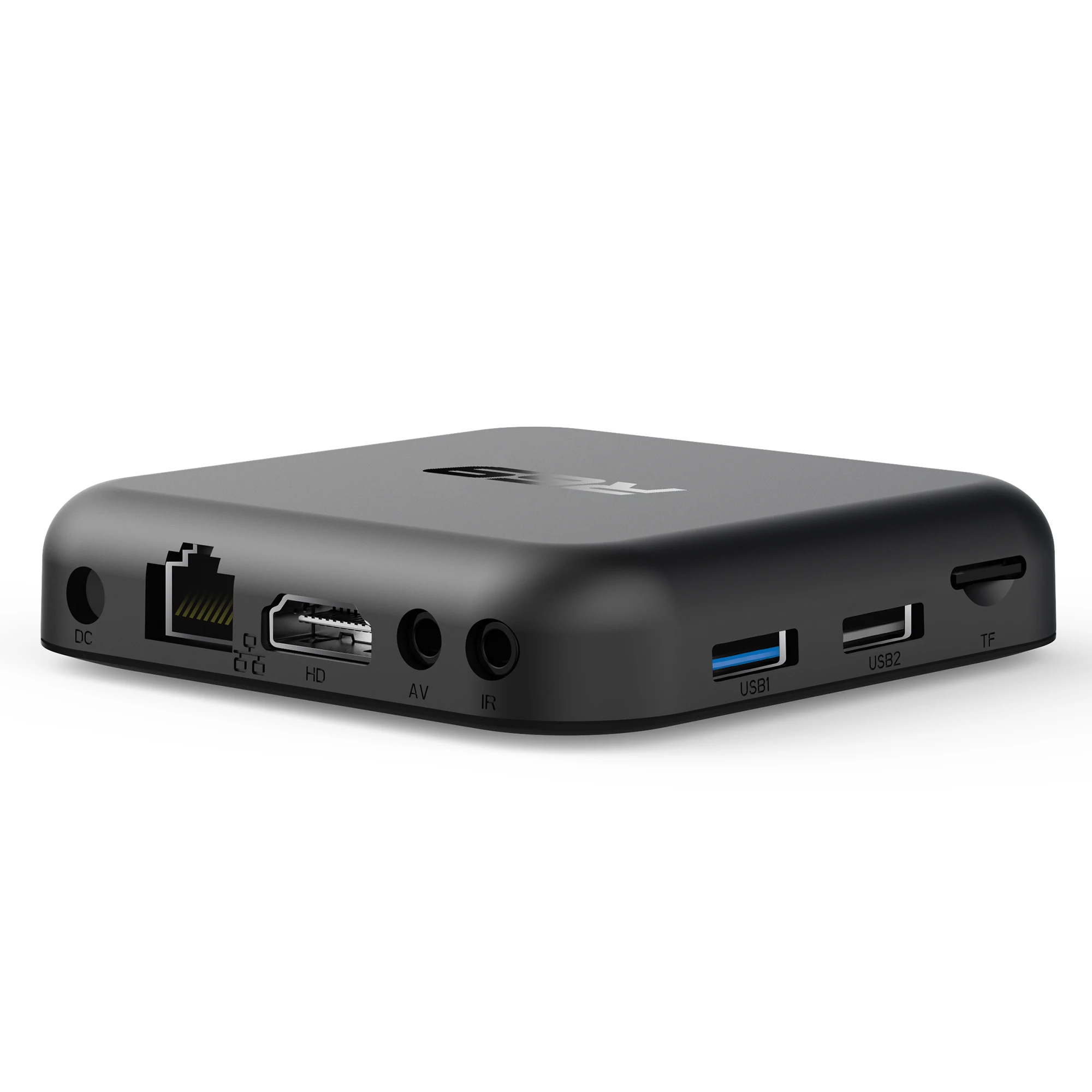
Ethernet: 100M
GOOGLE Cast: Yes
GPU: Mali-450MP2
High-concerned chemical: none
Inbox adaptor: No
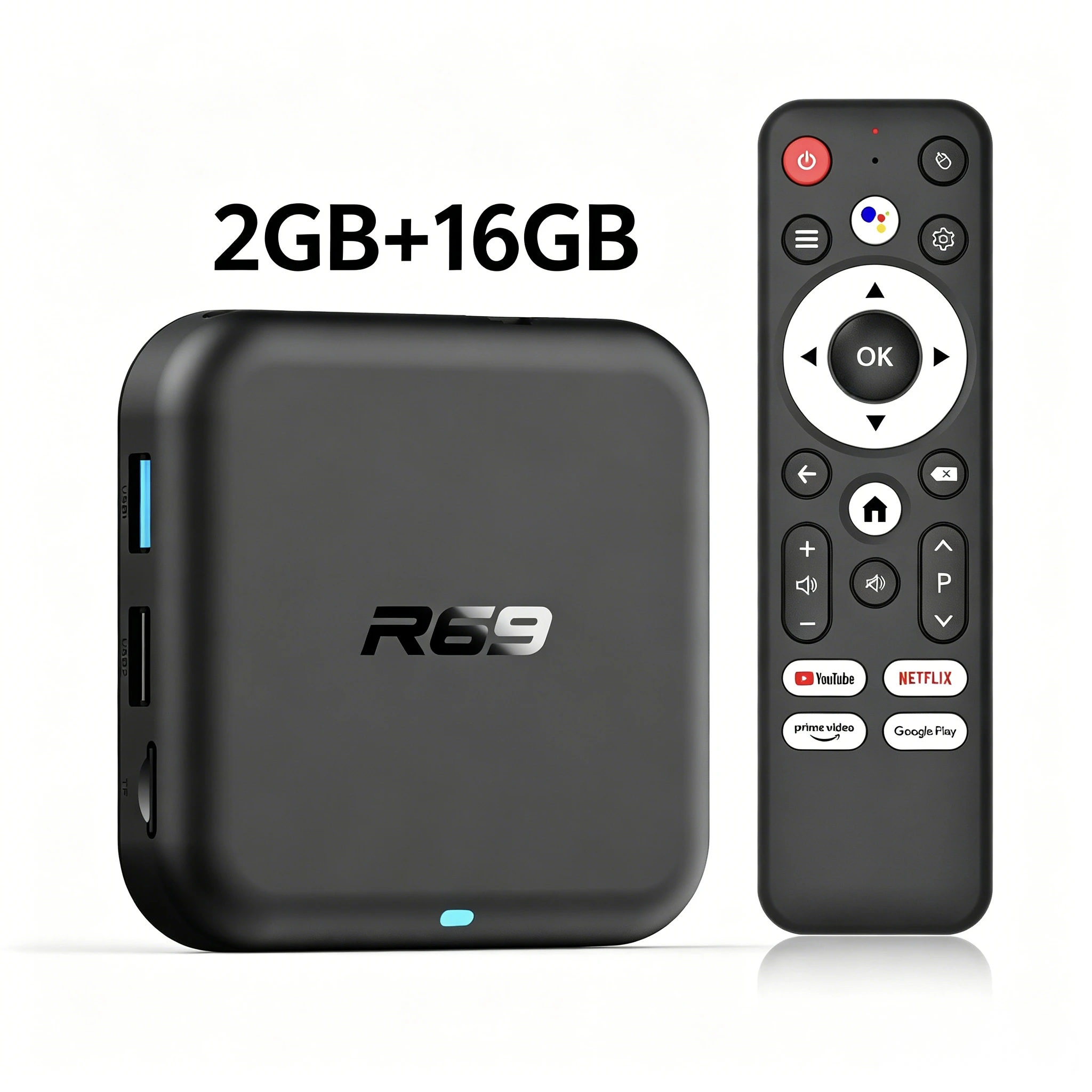
Internal Storage: 16GB eMMC
Max Output: 4K @ 60 Hz
Memory: 2 G DDR3
OS: Android
Origin: Mainland China
Output Type: monochrome
Power (W): DC 5V,2A
Power Source: DC,DC
Remote Control: Included
Remote controller included: Yes
Supported Internet Services: Prime video,NETFLIX,Hulu Plus,Google tv,hulu,YouTube,Other
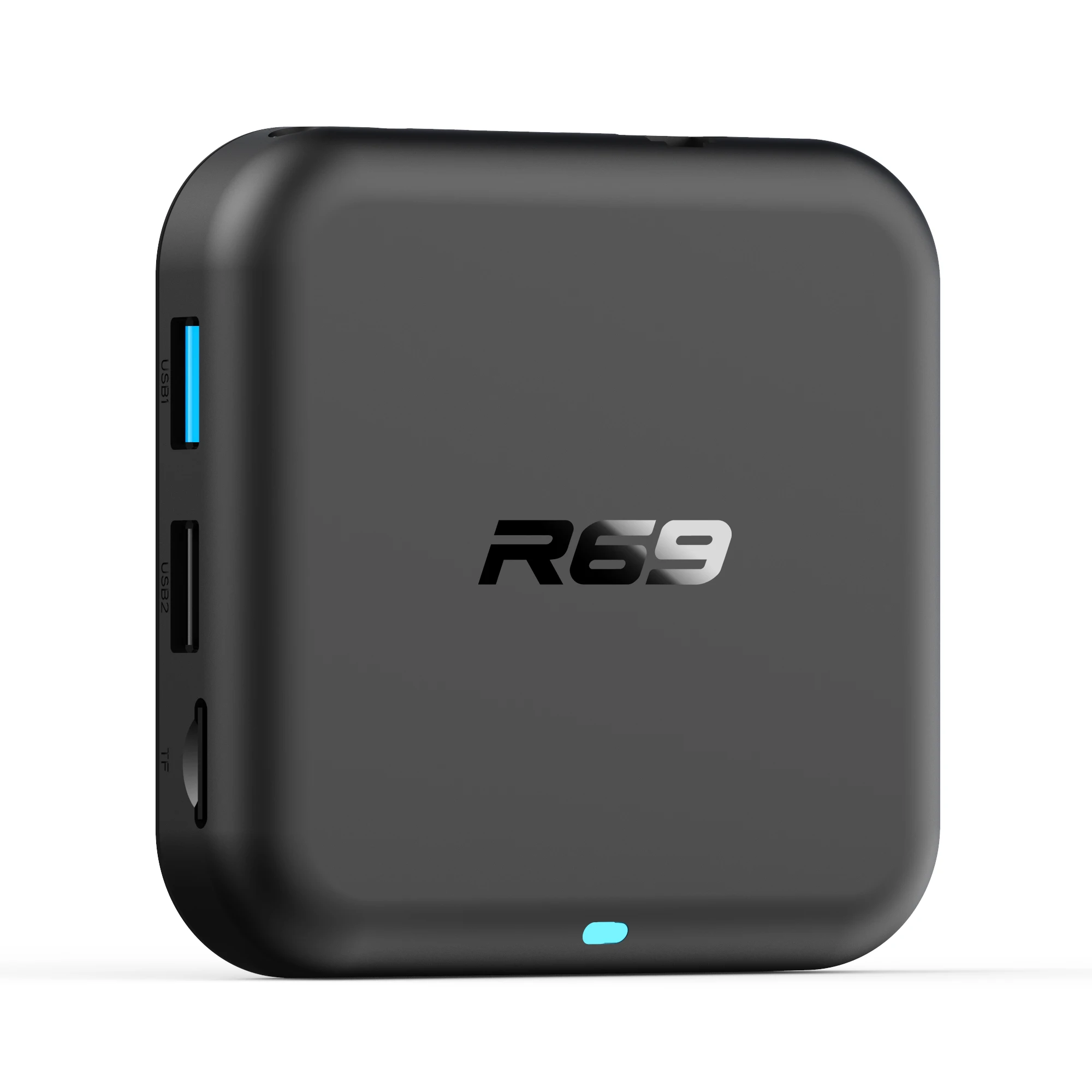
USB Ports: 1x USB 2.0
Video Output: HDMI-Compatible 2.0
Voice assistant built-in: Yes
Voltage range: USB (5-20V DC)
Weight: 0.33
Wireless: Yes

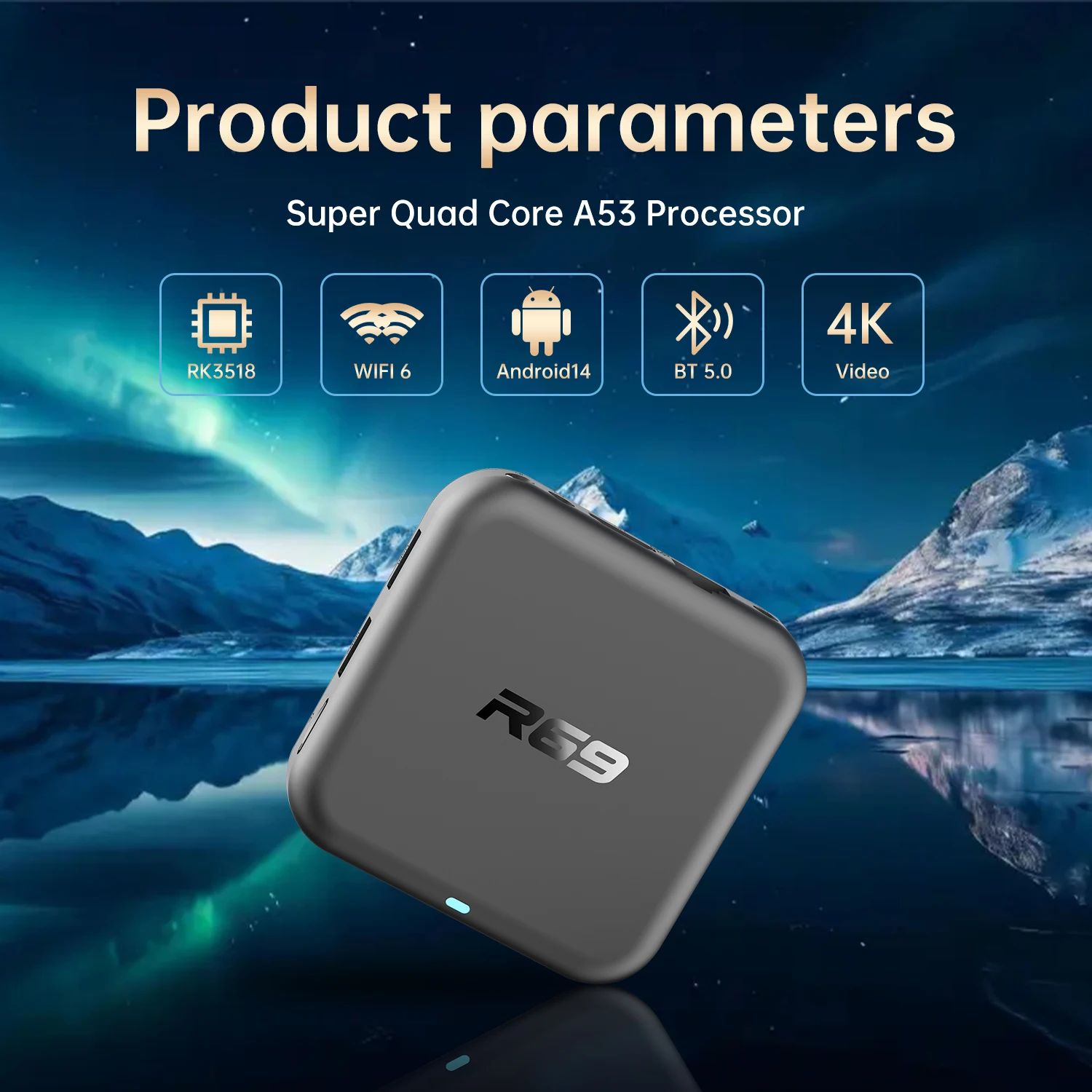
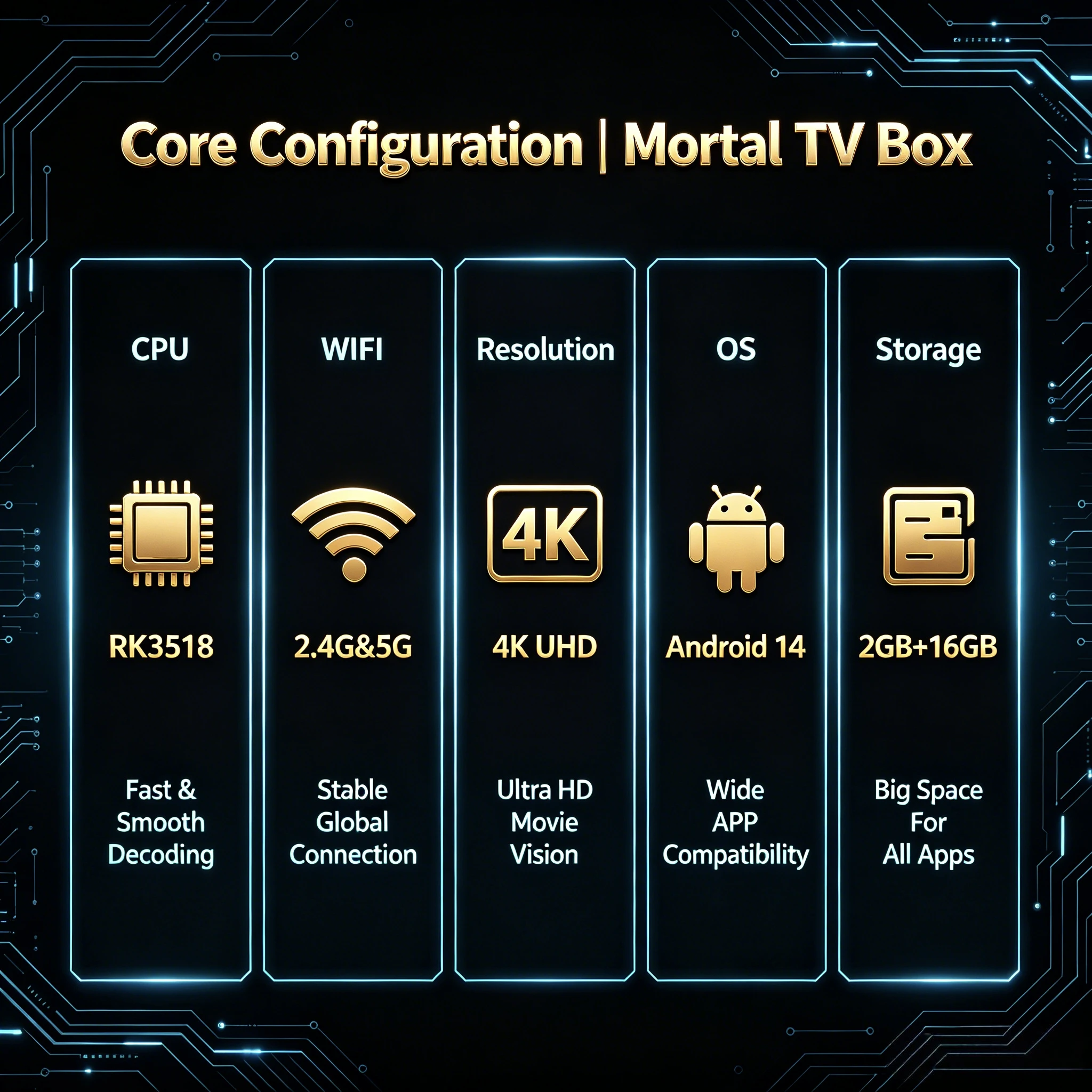
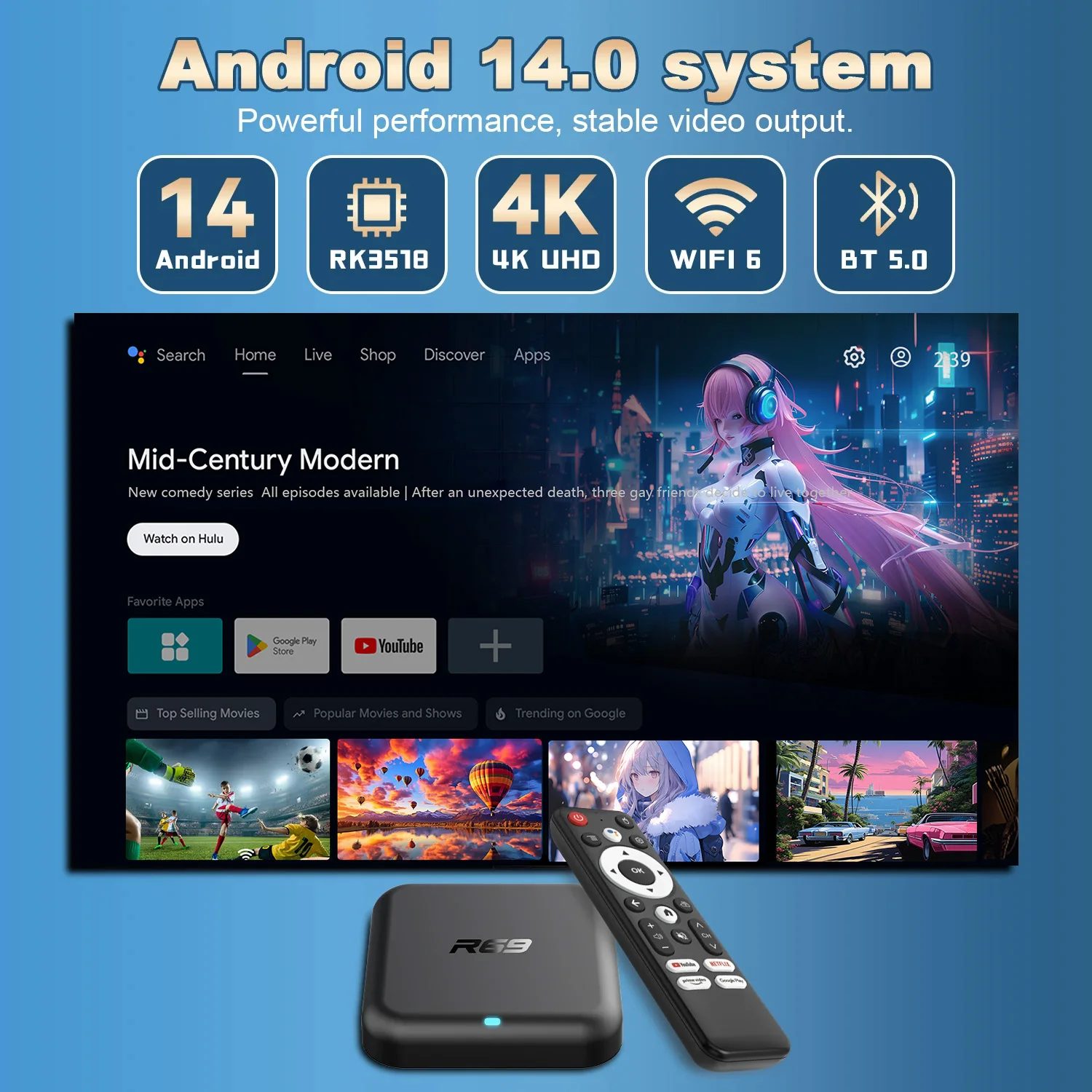
✅OS: Android 14.0
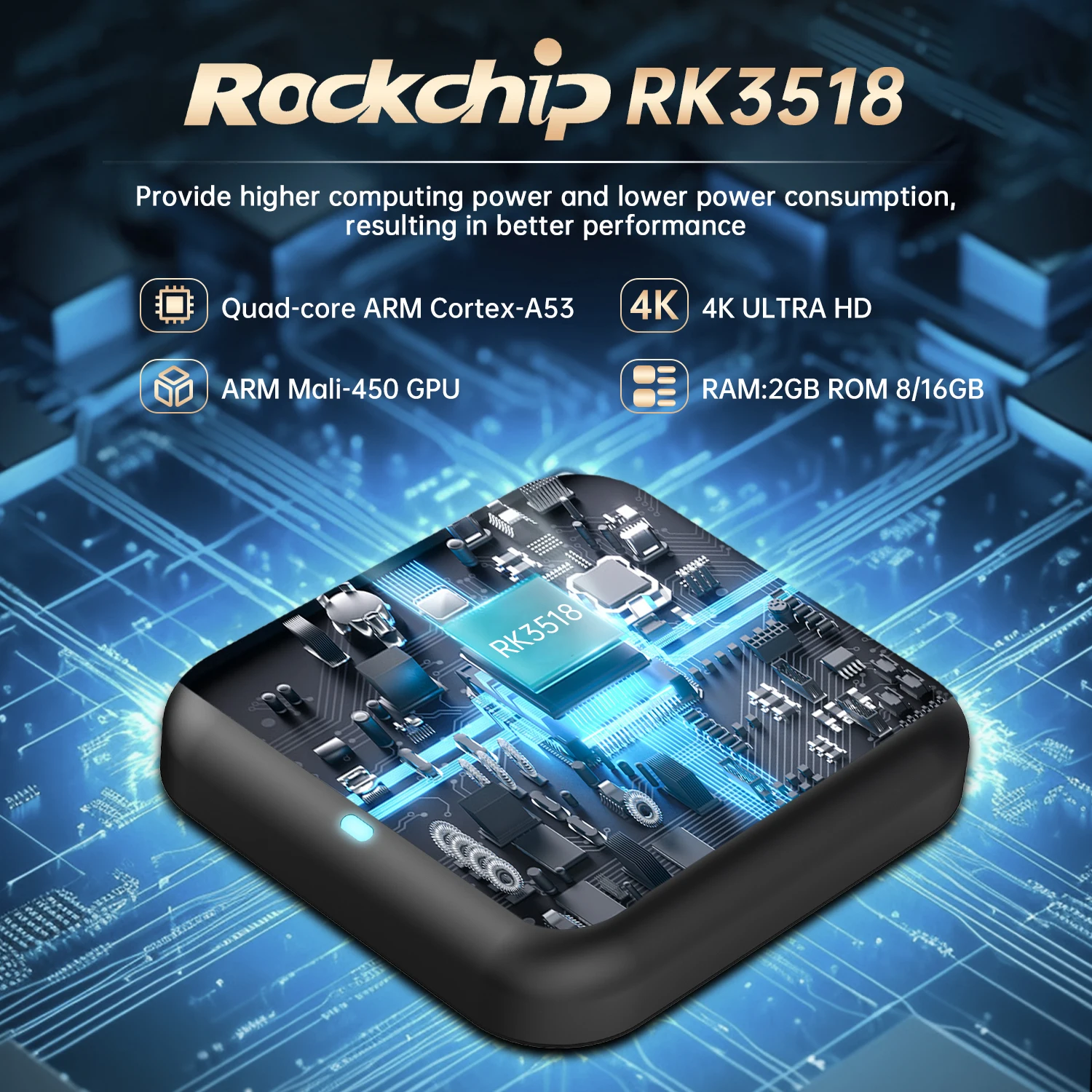
✅CPU: Rockchip RK3518,Quad-Core Cortex-A53
✅GPU: Mali 450 MP2
✅RAM:2GB DDR3
✅ROM:16GB EMMC
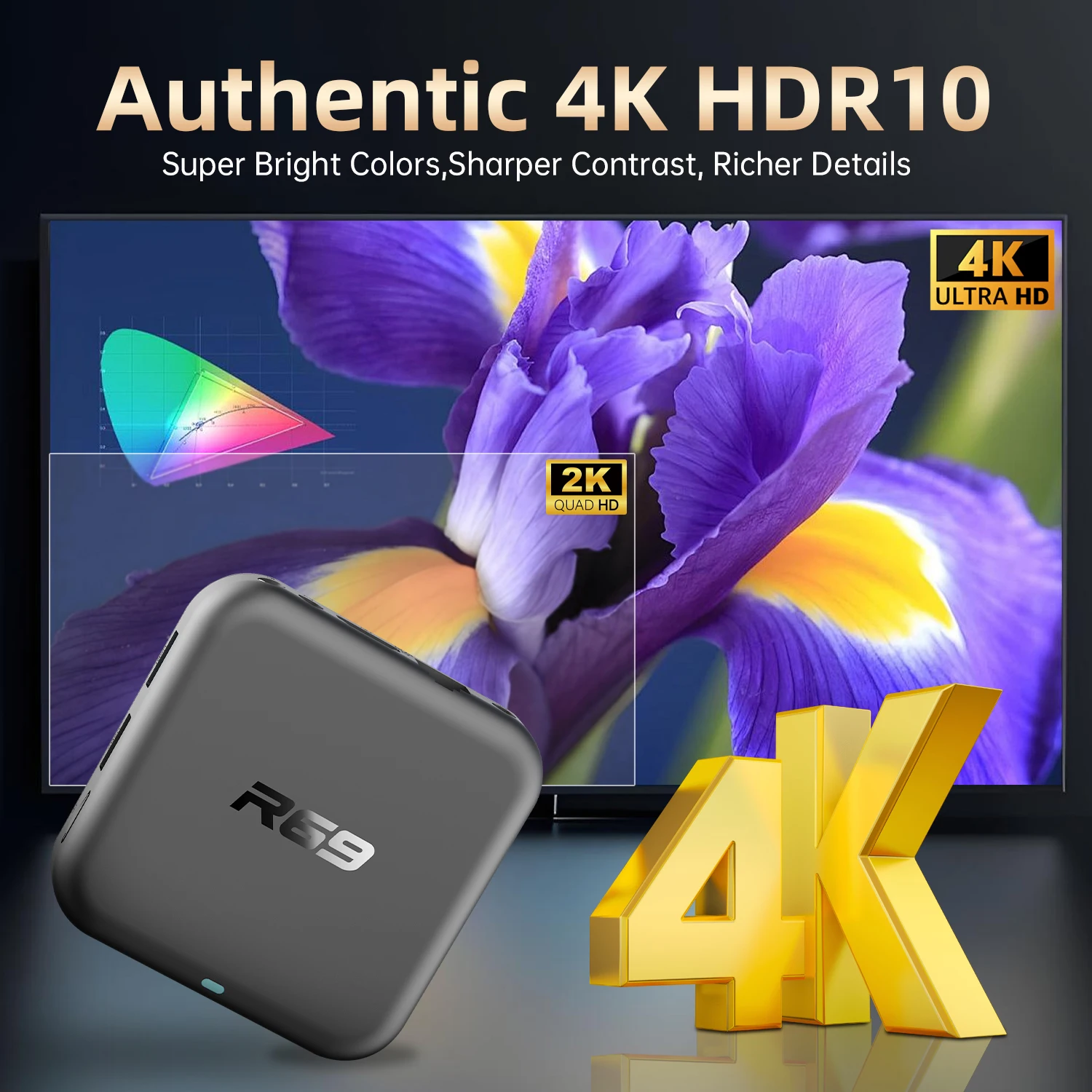
✅Vedio decoding up to 4K
✅Support: 100M Ethernet
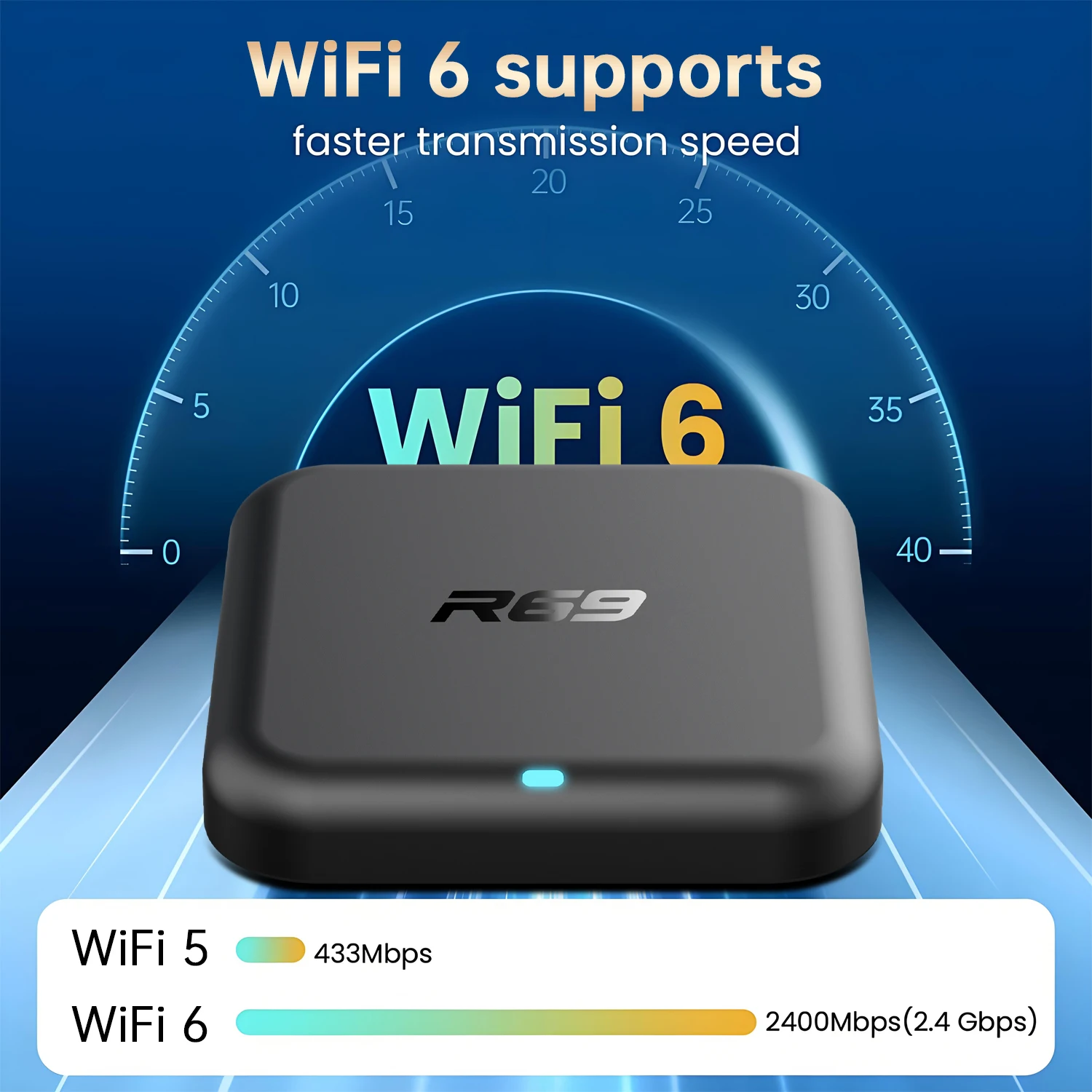
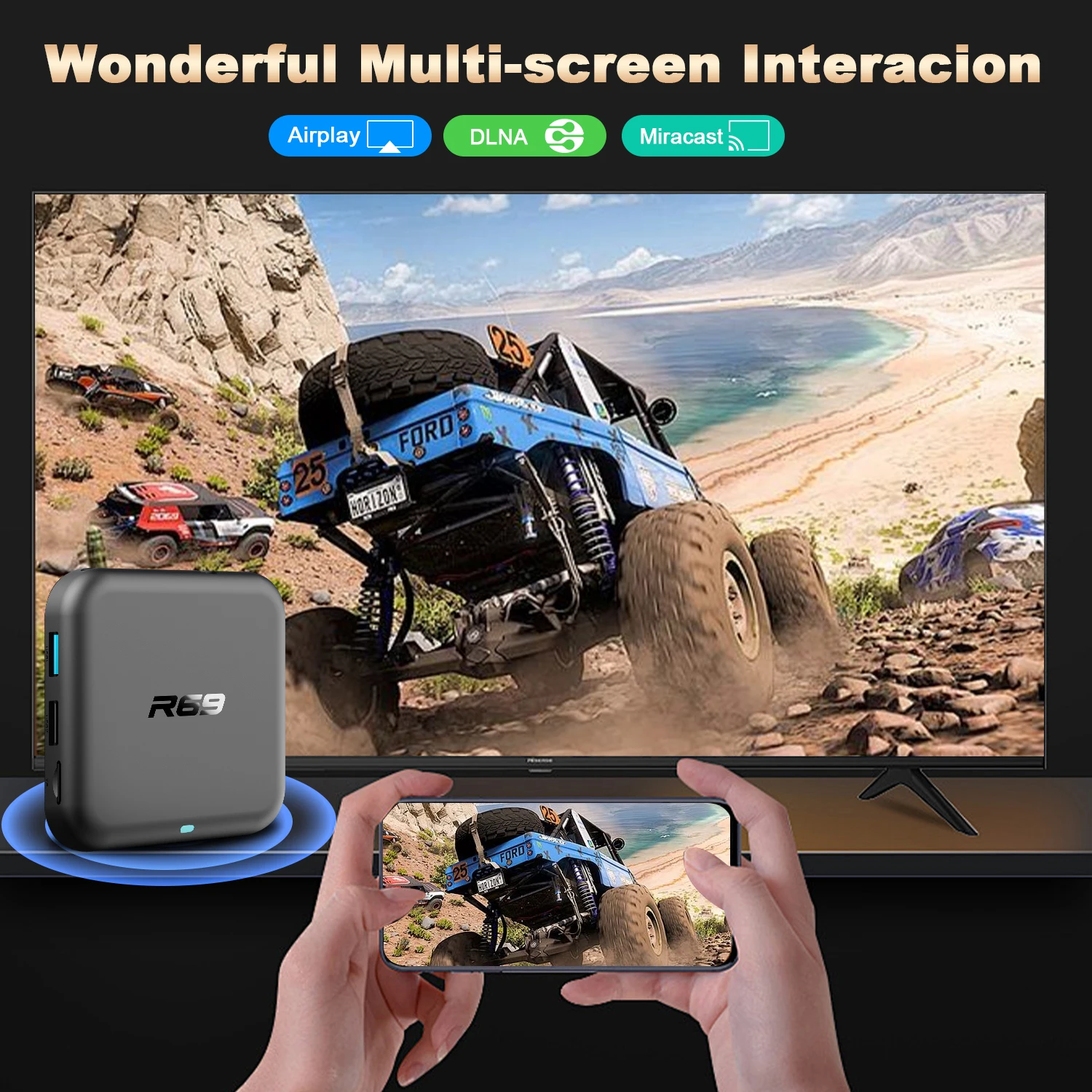
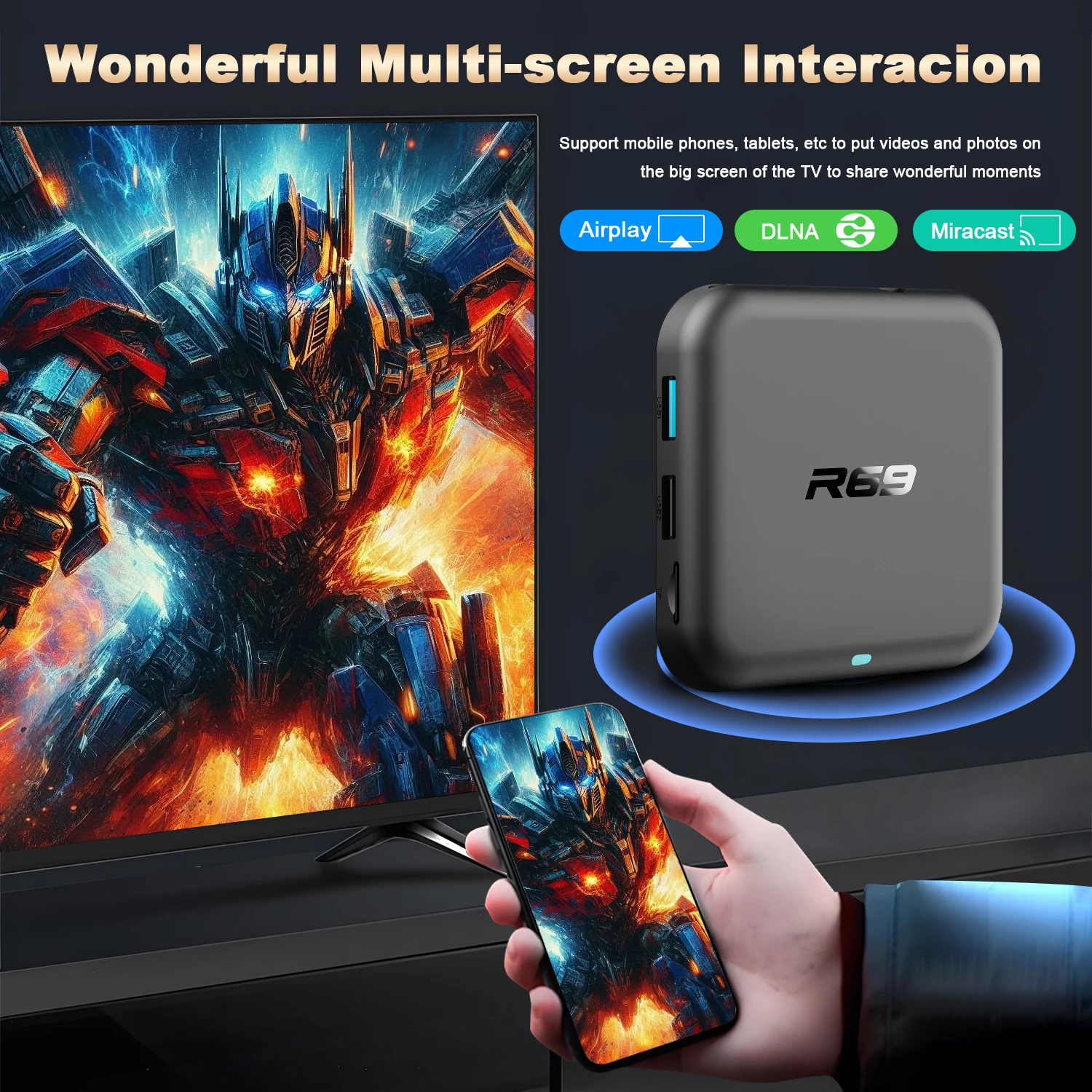
✅Support:2.4G/5.8G Dual Wifi IEEE802. a/b/g/n/ac /ax
✅ Support: BT 5.0
✅Support: 1* USB 2.0,1* USB 3.0
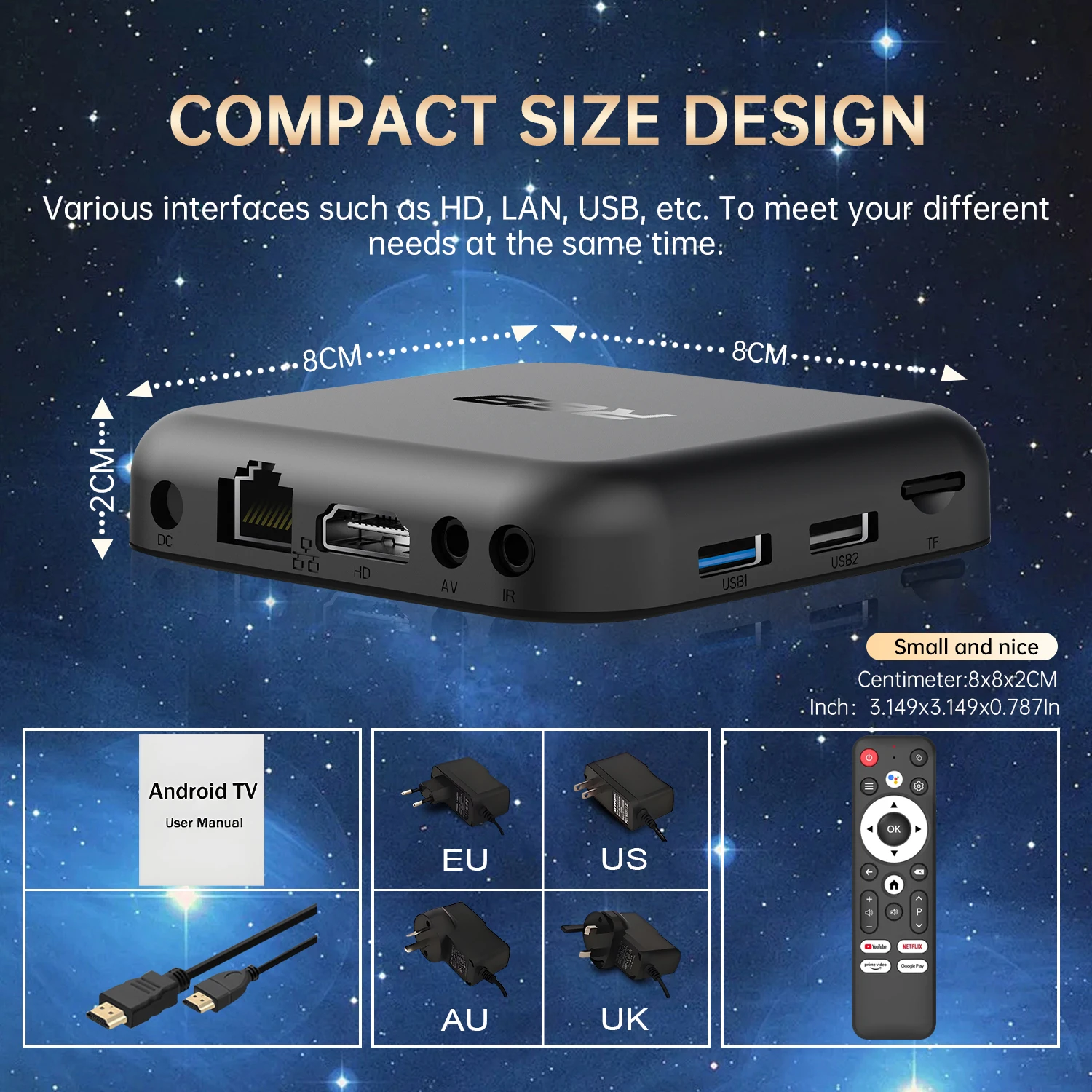

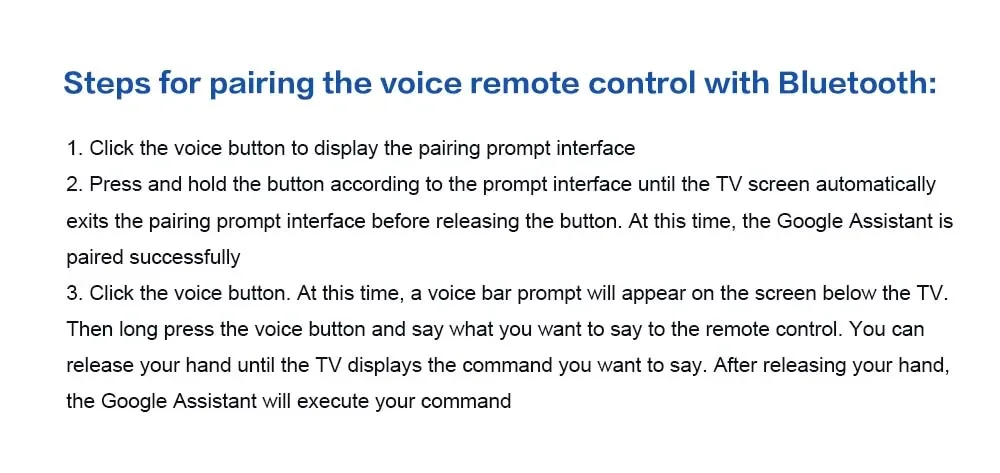
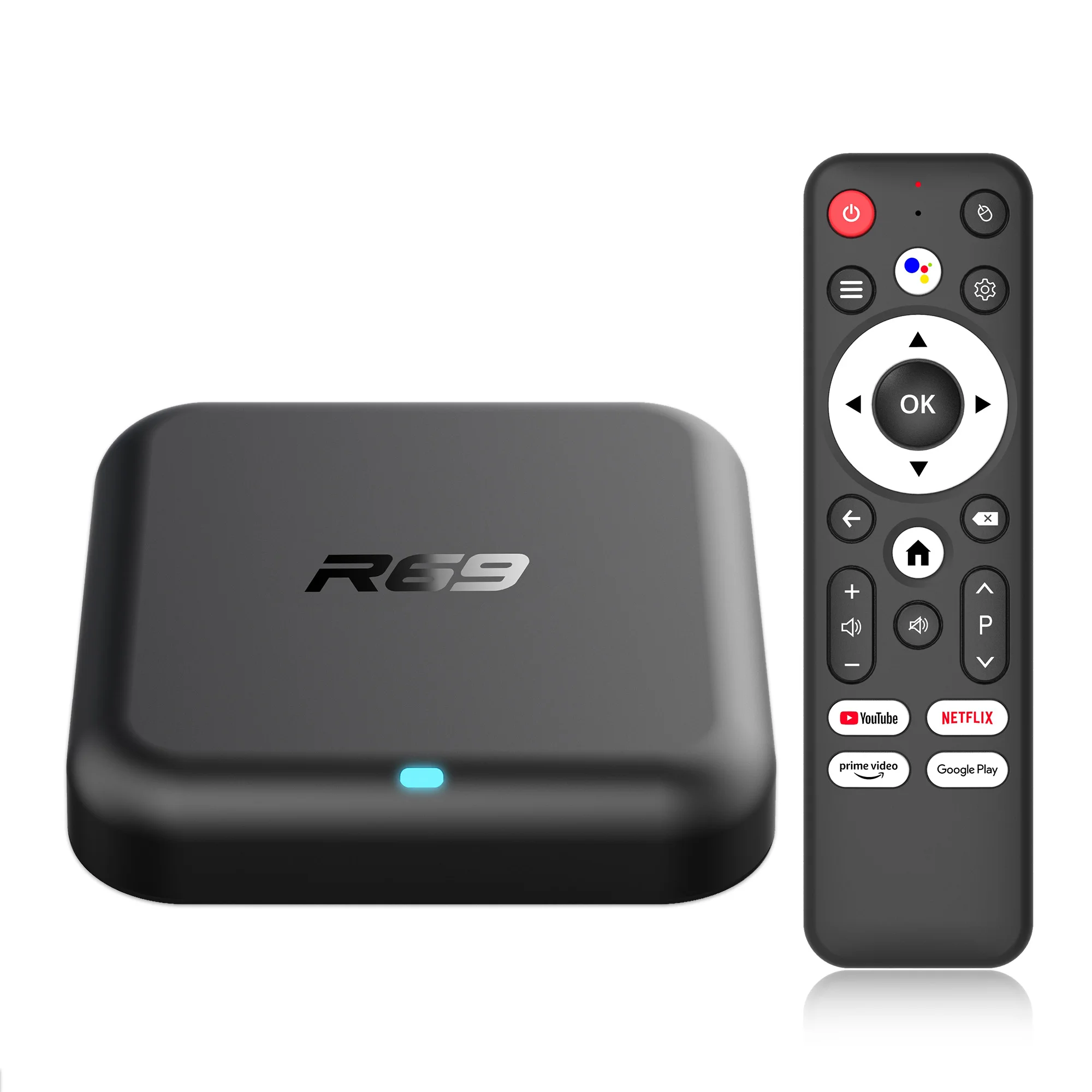
If pressing the voice button yields no response, you can connect the Bluetooth remote using an alternative method: simultaneously hold down the down button and the mute button to successfully pair the device.
Frequently Asked Questions:
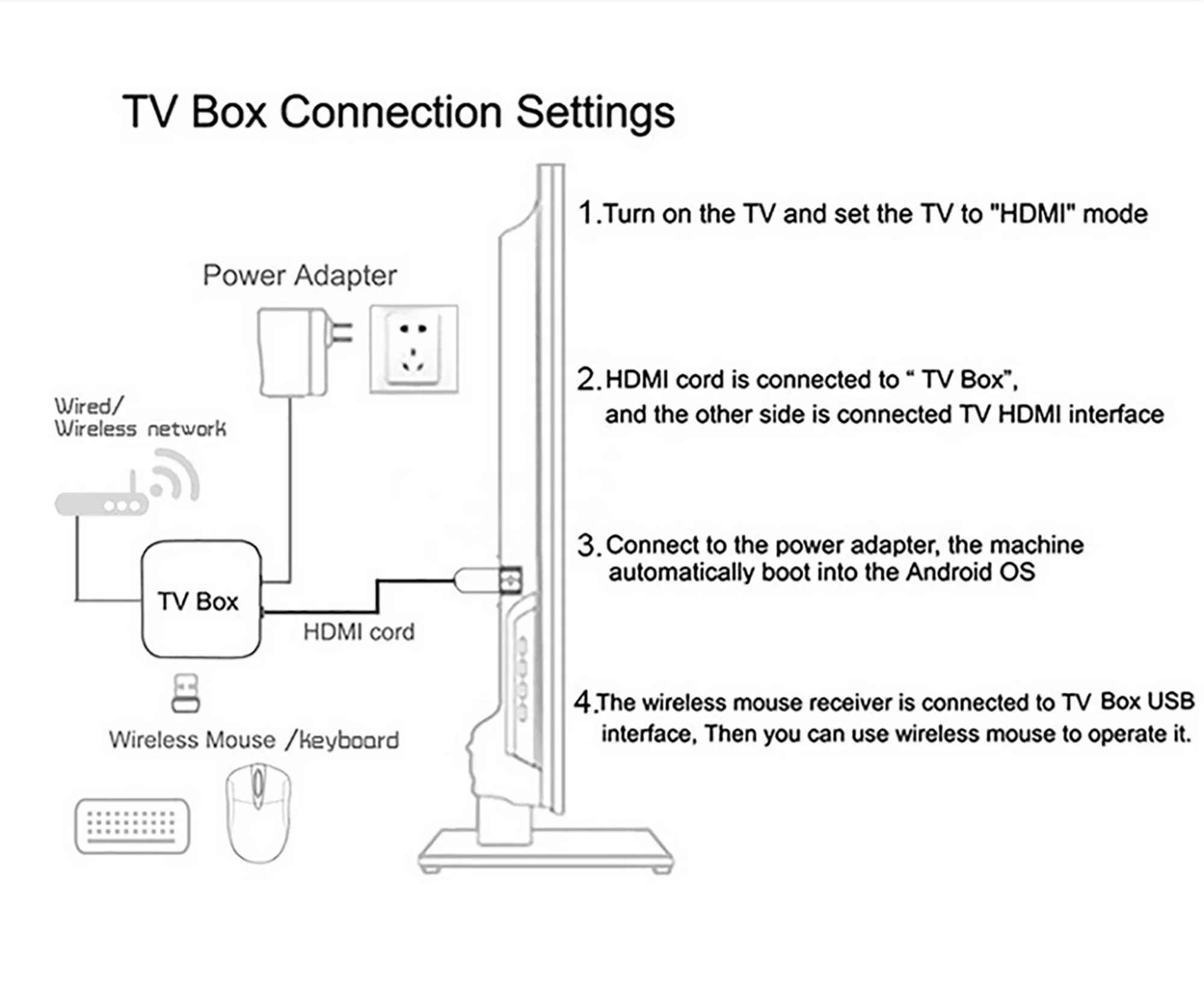
*Note: Please use the cables we provide, do not change the cables at will, so as to avoid the machine being unable to boot.
If the TV box restarts repeatedly after a few seconds or minutes, or the red light on the front panel is on and the TV screen stops at the boot screen, the problem is that the output voltage and current of your power adapter are not 5V/2A. You can use a 5V/2A adapter to power the TV box, and it can be used normally.
Special Notes:
1.Please ensure that you use a 5V 2A power supply to power the machine to avoid insufficient voltage causing the machine to fail to power on.
2. Due to strict regional restrictions, Disney applications are not compatible. Our developers are constantly developing more Disney-compatible versions.Once a new version is available, we are willing to send it to customers as soon as possible.Currently Disney is not available. If users mind, please do not purchase it.
3. If some applications fail to load when users download them, it is because the downloaded application version is incompatible with the Android system of the machine, not a machine quality issue. Please try again to find a more suitable program version for download.
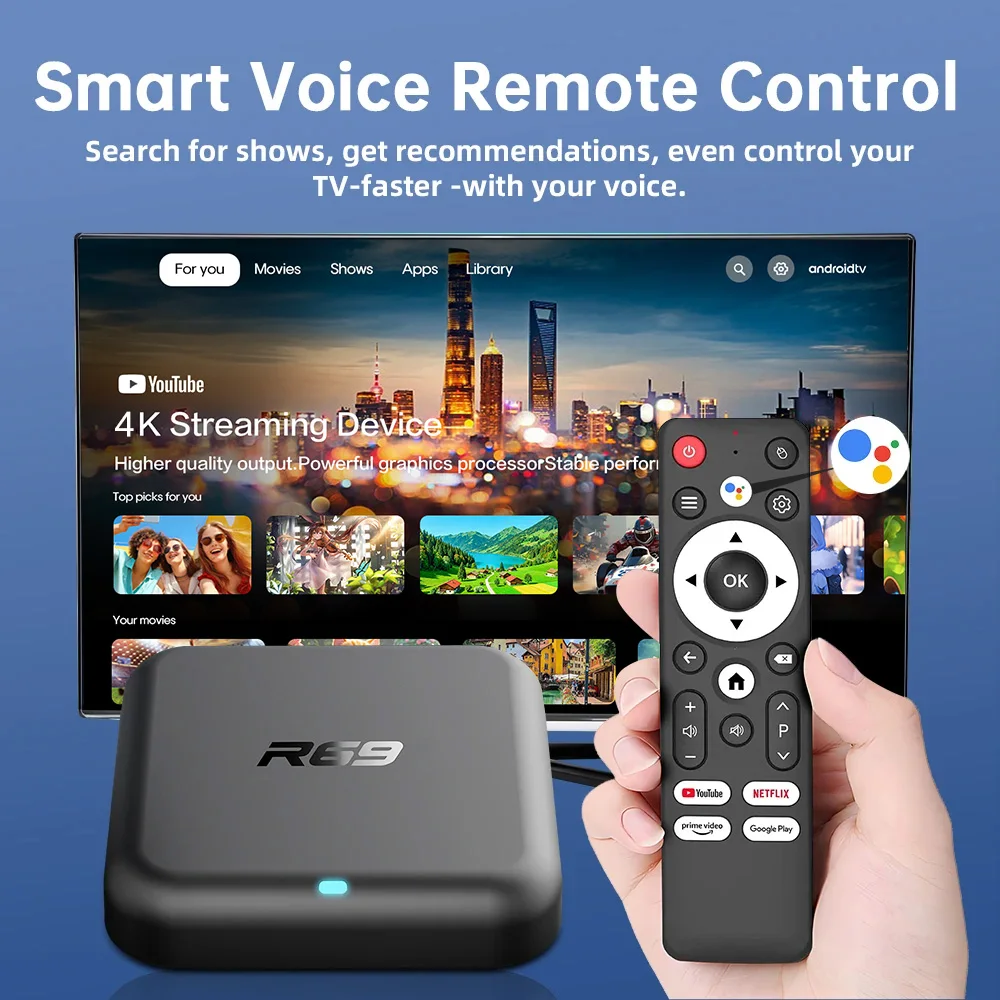
How to use Google Voice Assistant,? How to use Bluetooth voice remote, microphone?
Step 1: Tap the voice button and release it.
Step 2: Wait until the voice input pop-up box appears in the lower right corner of the TV, then long press the voice button and input voice commands at the same time (press and hold the voice button and speak into the microphone).
Step 3: After the voice command is input, release the voice button (release the voice button after speaking).
Step 4: The machine will automatically perform corresponding actions based on the voice command.
3.Machine startup problem*
(1) Product startup: It is normal for the product to start up slowly for the first time. Each product has different configurations, so the startup time is also different. If the startup is slow, please wait patiently and do not unplug the power supply. For customers who have high requirements for startup time, please choose products with high prices and configurations in our store.
(2) If there is no signal when starting up, it is because the user has used an HDMl cable and power cable that don't match the product. Please be sure to use the accessories provided by us and do not replace the cables at will .lf there is no signal when the machine is turned on, it may be that the user's TV has multiple HDMl interfaces. The user can use the TV remote control to switch to the correct signal source, and the TV will display the picture normally.
Note: The cartoon character is a Q-version design of R69-1, the real product refers to the product pictures above.